
Request a tour
Using Ruuster 1.0? Read the 1.0 version of this article.
Request a tour from a home's page or an open house, pick a day and times that work, and your agent gets your request right away.
On a home's page, click Choose tour time in the Schedule a tour card, pick a day and times, then click Request tour. Your agent gets your request right away and will reach out to set up the showing (your visit to see the home).
Request a tour
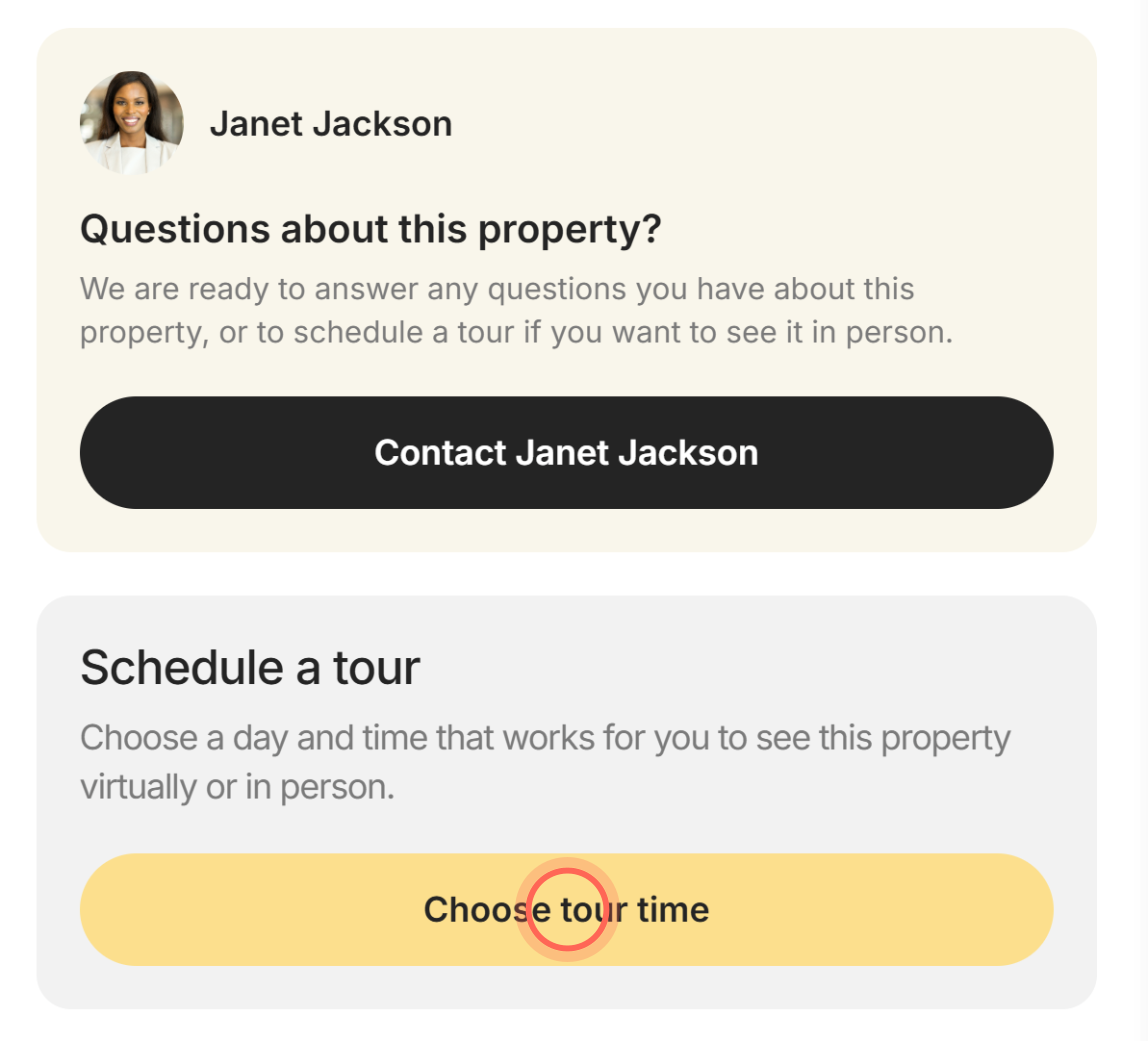
- On the home's page, click Choose tour time in the Schedule a tour card.
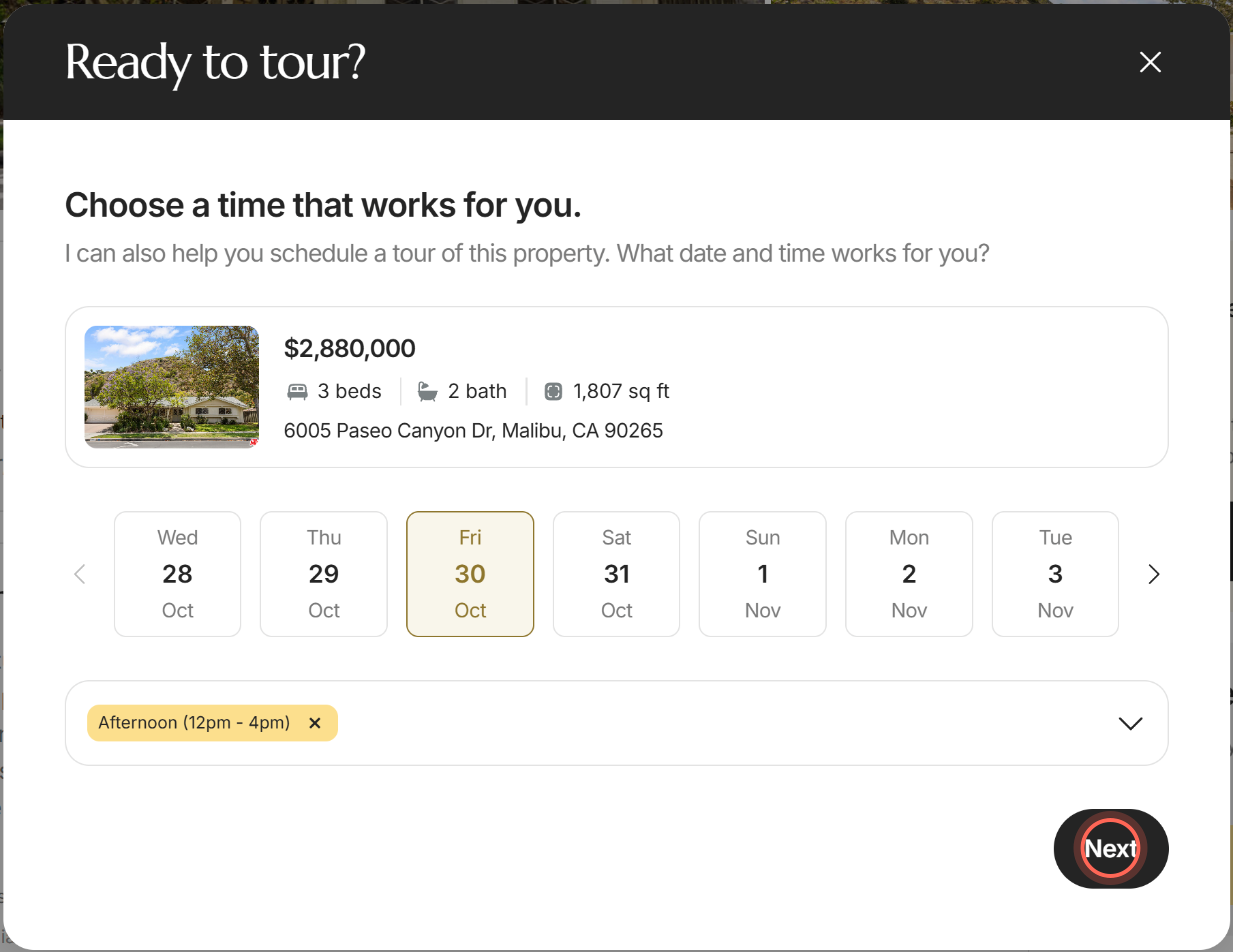
- In Ready to tour?, today is already picked. Click another day if you'd like, using the arrows for more.
- Click Select a time and tick the times that work for you.
- Click Apply.
- Click Next.
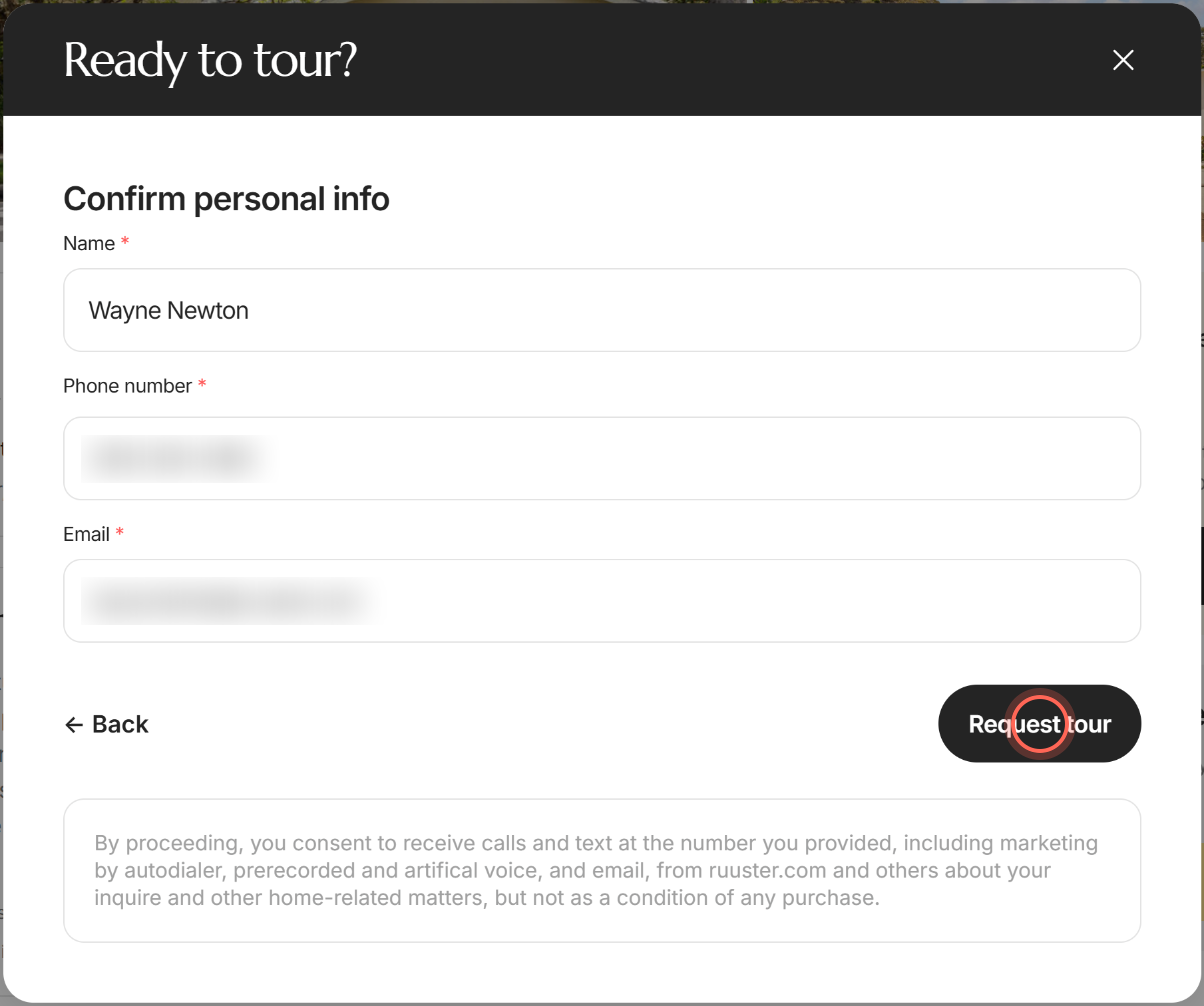
- Check your Name, Phone number and Email.
- Read the consent note under the button, then click Request tour.
- Click Done.
You'll see "Tour request received!" with your Tour Date, Tour Time, Contact phone and Email. The request also appears in your chat with your agent as a Tour requested card, and the home is added to your Favorites.
Your tour reminder
Once you've sent a request while signed in, the home's page shows a reminder above the photos, such as "You requested a tour for Thurs., Oct. 16, Morning (8am - 12pm)." The home's card in Home Search and Favorites shows "Tour requested:" with the same day and time, under the photos.
The reminder stays until the tour day has passed. Click the X on it to hide it, on both the page and the card, until your next visit. If you send a new request for the same home, the reminder shows the newest day and time.
Request a tour from an open house
An open house is a set time when anyone can walk through a home that's for sale. If a home has one coming up, you can also ask for your own visit from there.
- On the home's page, scroll down to Open House (or Open Houses).
- Next to "Tour when it works for you.", click Schedule a tour.
The Ready to tour? window opens. Pick a day and times, click Next, check your details and click Request tour.
Watch a virtual tour first
- On the home's page, scroll down to Property Details.
- Under Listing Details, click the link next to Virtual Tour.
The virtual tour opens in a new tab. The link's wording varies from listing to listing, and it shows only when the listing includes a virtual tour.
Good to know
- Days and times. You can pick today or any of the next 15 days. Times are Anytime, Morning (8am - 12pm), Afternoon (12pm - 4pm) and Evening (4pm - 8pm). Picking all three becomes Anytime.
- On your phone. Choose tour time sits in the bar at the bottom of the home's page, next to the button to contact your agent.
- Not signed in? You can request a tour from your agent's page too. Type your name, phone number and email on the details step before you send.
- Your agent confirms. A request tells your agent when you'd like to go. Your agent sets the exact time with you.
- If it doesn't send. You'll see "Couldn't send your tour request". Reload the page and try again.
FAQ
Will I get a confirmation after I request a tour?
Yes. "Tour request received!" shows your day, time and contact details, and the request appears in your chat with your agent. A reminder with the day and time also stays on the home's page until the tour day. Your agent will be in touch to confirm the time.
How do I change or cancel my tour request?
Before you send it, click Back to change the day or time. After you send it, message your agent in chat and they'll adjust the plan with you. If you send a new request for the same home, your reminder switches to the new day and time.
Why are some times grayed out?
Those times have already passed today. Pick a later time, or another day.
Can I ask for more than one day?
Each request is for one day. To offer another day, send a second request or tell your agent in chat.
Can I ask my agent a question instead of booking?
Yes. Click the button with your agent's name in the Questions about this property? card. See Ask your agent about a home.
Still need help? Reach out to us at helpme@ruuster.com and we'd be happy to assist!