
Add notes on homes
Using Ruuster 1.0? Read the 1.0 version of this article.
Write a private note on any home you're considering and click Save note. Your agent can see your notes too.
On a home's page, scroll to the bottom, past the map, to the Notes card. Type your note and click Save note. Your note stays with that home, ready for the next time you open it, and your agent can read it too.
Before you start
- You need to be signed in to your account. Notes don't show on your agent's public page or on a brokerage website.
Add a note to a home
- Open the home's page from Home Search or Favorites.
- Scroll to the bottom of the page, past the map, to the Notes card.
- Click in Add note (optional).
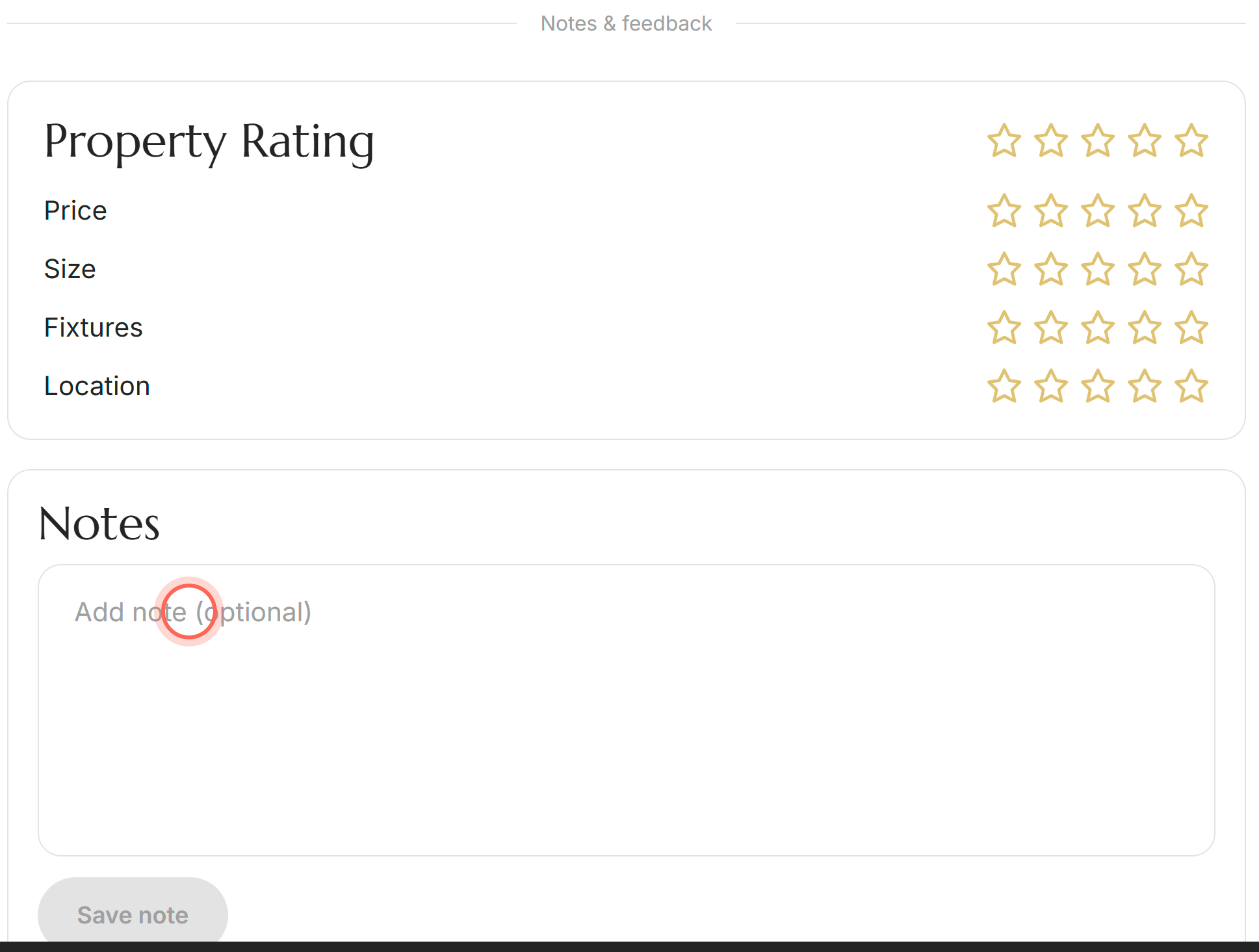
- Type your note. The box grows as you write.
- Click Save note.
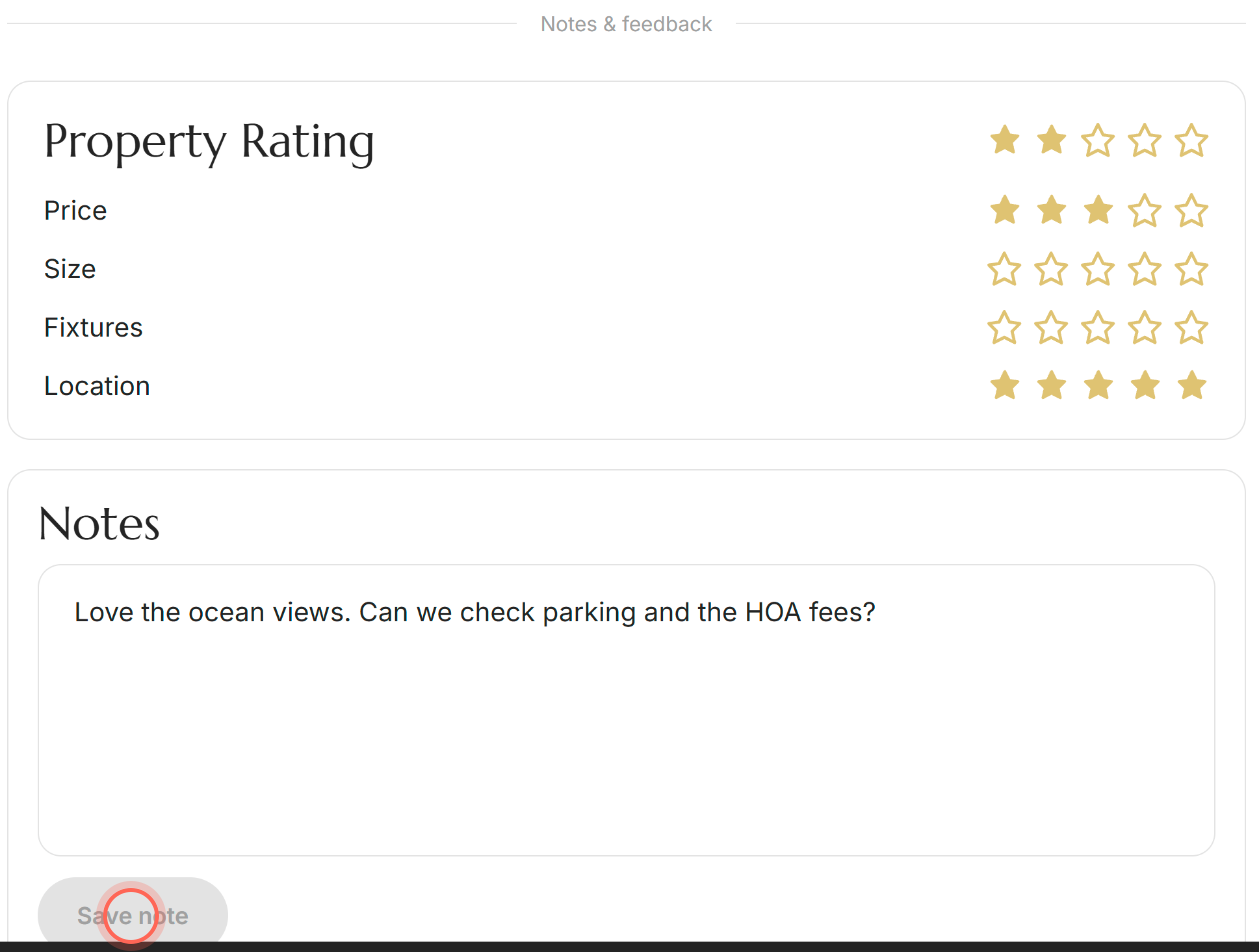
A "Note saved" message confirms it. When you come back to this home, your note is waiting in the Notes box.
Change or clear a note
- Open the home's page and scroll to the Notes card at the bottom.
- Change the text, or delete all of it to clear the note.
- Click Save note.
You'll see "Note saved", and the home now shows your updated note (or an empty box if you cleared it).
Good to know
- Save before you leave. What you type is kept only after you click Save note. If you open another home first, the unsaved text is gone.
- One note per home. Each home keeps its own note. Add to it as your thoughts change after a tour.
- Save note is grayed out. It turns on as soon as you change the text.
- Your agent isn't alerted. Your agent can read your notes, but saving one doesn't send them a message. For a quick answer, ask in chat.
- If saving fails. You'll see "Couldn't save your note" and "Please try again later." Wait a moment, then click Save note again.
FAQ
Who can see my notes?
You and your agent. Your agent sees them alongside your other activity, which helps them understand what you liked. Sellers, listing agents and other buyers can't see them.
My notes on one home are showing up on other homes. What's going on?
Each home has its own note, saved only when you click Save note. Write the note on the home it belongs to and save it before you open the next home.
Do I have to favorite a home before adding a note?
No. You can add a note to any home you open while signed in.
Can I jot notes on my phone during a showing?
Yes. During a showing (your visit to see the home), open the home's page on your phone, scroll to Notes and save your note the same way. You can also rate the home and add your own photos there.
Still need help? Reach out to us at helpme@ruuster.com and we'd be happy to assist!