
Resend a client invite
Using Ruuster 1.0? Read the 1.0 version of this article.
Resend an invitation from All Clients or the client's page when someone never signed up, and check why the first one didn't arrive.
To resend an invitation, open All Clients and click Resend in the client's Status cell, or click Resend invite on their profile. They get their sign-up link again, and a message confirms "Invite sent to client".
Before you start
- The client must not have signed up yet. Rows marked Registered have no invite to resend.
- Ruuster sends the invite to the email and phone already on file. Check them on the client's row first.
Resend from All Clients
Open All Clients.
Find the client with Search name or email, or open the Status column's menu and tick Invited.
In the client's Status cell, click Resend.
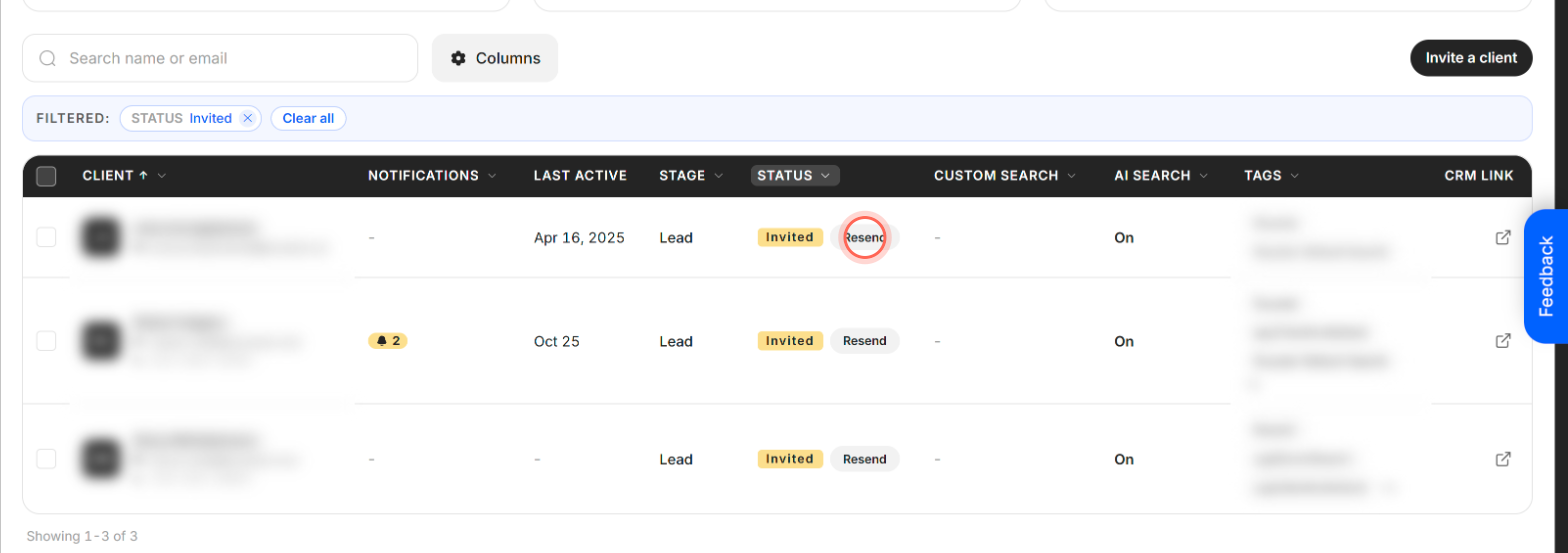
The button reads Sending… for a moment, then a message confirms "Invite sent to client".
Send a first invite to a lead
A lead who was never invited shows Not invited on All Clients, with Send invite in place of Resend.
- Open All Clients.
- In the lead's Status cell, click Send invite.
A message confirms "Invite sent to client" and the row switches to Invited. Ruuster uses the lead's details on file, so you don't retype anything. To invite someone who isn't on All Clients yet, see Invite a client.
Resend from the client's profile
On All Clients, click the client's name to open their profile.
At the bottom of the Lead details card, click Resend invite (or Send invite if they were never invited).
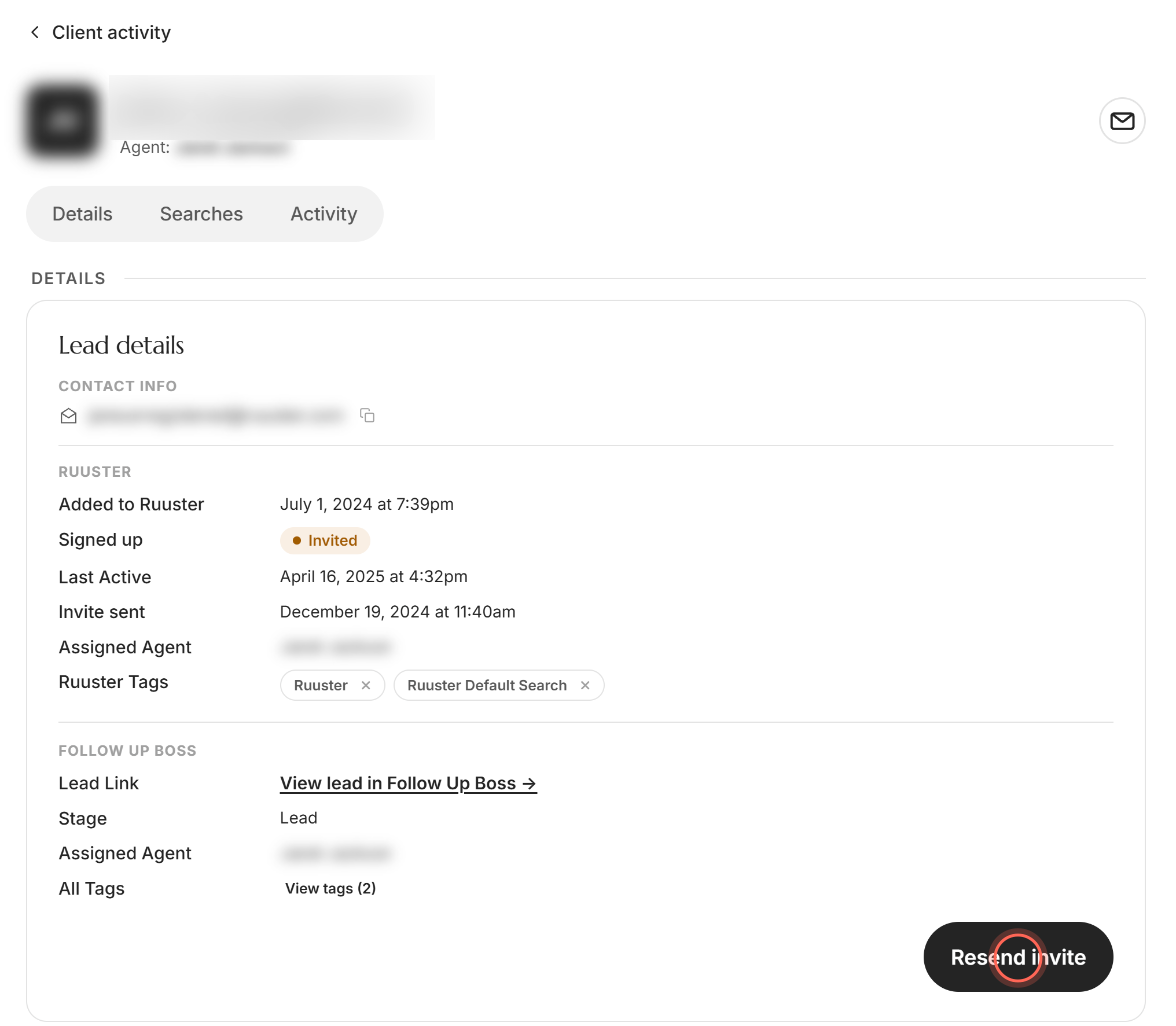
A message confirms "Invite sent to client". The Invite sent row on the card shows when the last invitation went out.
Good to know
- No limit. You can resend as often as you need.
- Still one record. Resending never creates a second client. The lead keeps one row on All Clients.
- Signed up means done. Once the client creates their account, their row reads Registered and the button goes away.
- The invite form resends too. Sending Invite a Client for someone you already invited sends your original invitation again.
- More about leads. See Leads who haven't signed up yet for what you can do before they register.
FAQ
My client says the invite never arrived. What should I check?
Ask them to look in their spam or junk folder. Check the email and phone on their row, then click Resend.
It says "Invite can not be sent". Why?
The lead's record is missing a first name, last name, phone number or email, and the message names which one. Send the invite from Invite a Client in the + menu and type their details there.
The email address on file is wrong. How do I fix it?
You can't edit a lead's email in Ruuster. If your brokerage has no CRM connected, delete the lead and invite them again with the right email. If you use a CRM, correcting the email there doesn't update Ruuster. Email helpme@ruuster.com to fix it in Ruuster too, since the original email is the one they sign in with.
Does resending create a duplicate contact?
No. Resending sends the existing invitation again, and the lead keeps one row.
Can I see when I last sent an invite?
Yes. Open the client's profile and check Invite sent on the Lead details card.
Still need help? Reach out to us at helpme@ruuster.com and we'd be happy to assist!