
Delete your account
Using Ruuster 1.0? Read the 1.0 version of this article.
Delete your account from Settings. Your profile, saved searches, favorites and chat are removed right away, and it can't be undone.
Open Settings from My Account, scroll to Delete account and click Delete my account, then confirm. Your account is deleted right away and you're signed out. This can't be undone.
Before you start
- Only want fewer emails? You can change or stop email alerts and keep your account.
- Deleting removes your profile, saved searches, favorites and your chat with your agent.
Delete your account
- Click your name at the bottom of the sidebar. On a phone, tap Menu first.
- Click My Account.
- On Settings, scroll to Delete account at the bottom.
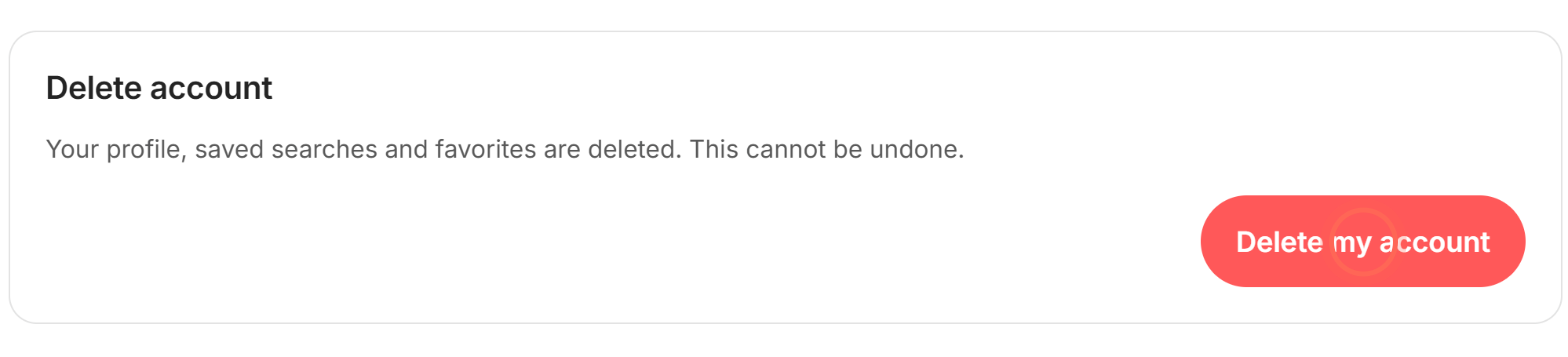
- Click Delete my account.
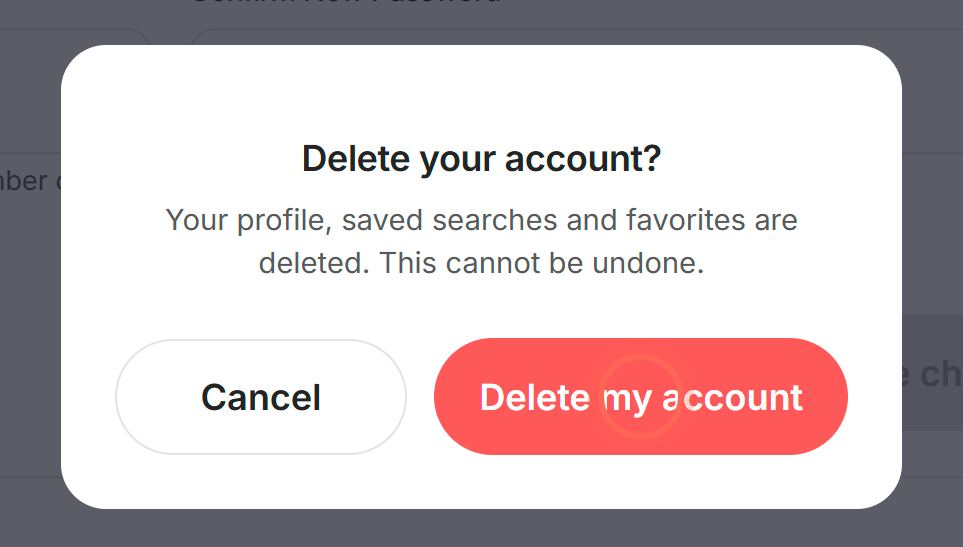
- In Delete your account?, click Delete my account, or Cancel to keep your account.
- Click Ok.
You see "Your account has been deleted, we're sorry to see you go." Clicking Ok signs you out.
Ask us to delete your data instead
Use this if you can't sign in. The Account and data deletion page has the same instructions.
- Email helpme@ruuster.com with the subject "Data deletion request".
- Include your app's name, your full name and the email you sign in with.
- Say whether you want your whole account deleted or only some of your data.
Ruuster's support team handles the request from there.
Good to know
- It happens at once. There's no waiting period for client accounts.
- Alerts stop. Your saved searches are deleted, so their alert emails stop too.
- Your chat goes too. Your conversation with your agent is deleted.
- Tell your agent. The app doesn't message your agent about it, so let them know if you'd like.
- If it doesn't go through. You see "We're sorry, but we couldn't complete your account deletion request due to a technical issue." Try again shortly.
FAQ
I deleted my account by mistake. Can you restore it?
No, deletion is permanent. You can create a new account, even with the same email, but your old searches, favorites and chat won't come back.
What happens to my saved searches?
They're deleted with your account, and their alerts stop.
Can I delete my account in the phone app?
Yes. Tap Menu, then your name, then My Account, and follow the same steps.
Will my agent know I deleted my account?
You no longer appear as their client, but the app doesn't send them a message. A quick note from you is the kindest way to let them know.
Still need help? Reach out to us at helpme@ruuster.com and we'd be happy to assist!