
Set the default search for your brokerage
Using Ruuster 1.0? Read the 1.0 version of this article.
Set the area and filters every client and agent starts with in Home Search, unless an agent has set their own default search.
Admins only. On Default Search Settings (Admin), click Edit search, set the area and filters on the map, and click Save. Clients start Home Search there, and new searches open there, unless the agent has set their own default search.
Before you start
- You need to be an admin.
- Decide the area: a city, zip or neighborhood, or a shape you draw on the map. An area is required.
Set or change the default search
In the sidebar, go to Admin > Global Settings > Default Search Settings.
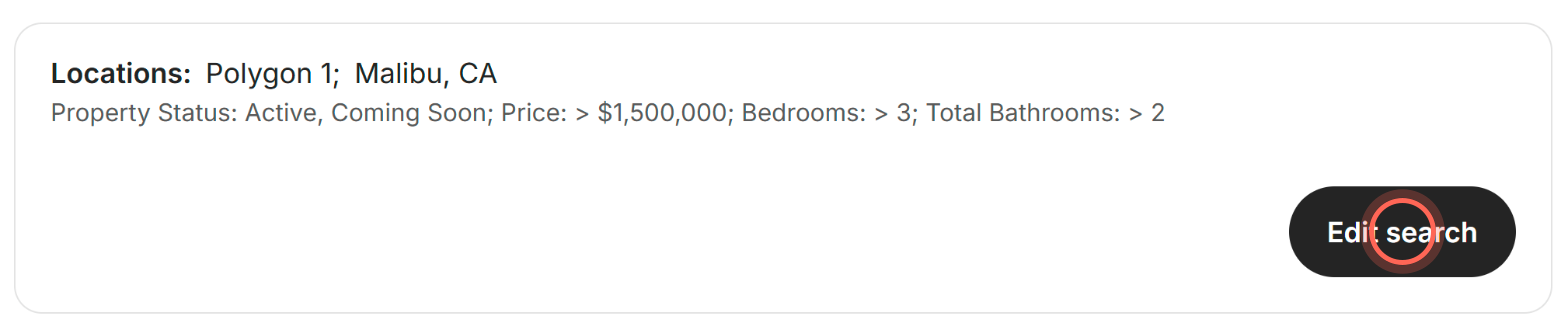
Click Edit search.
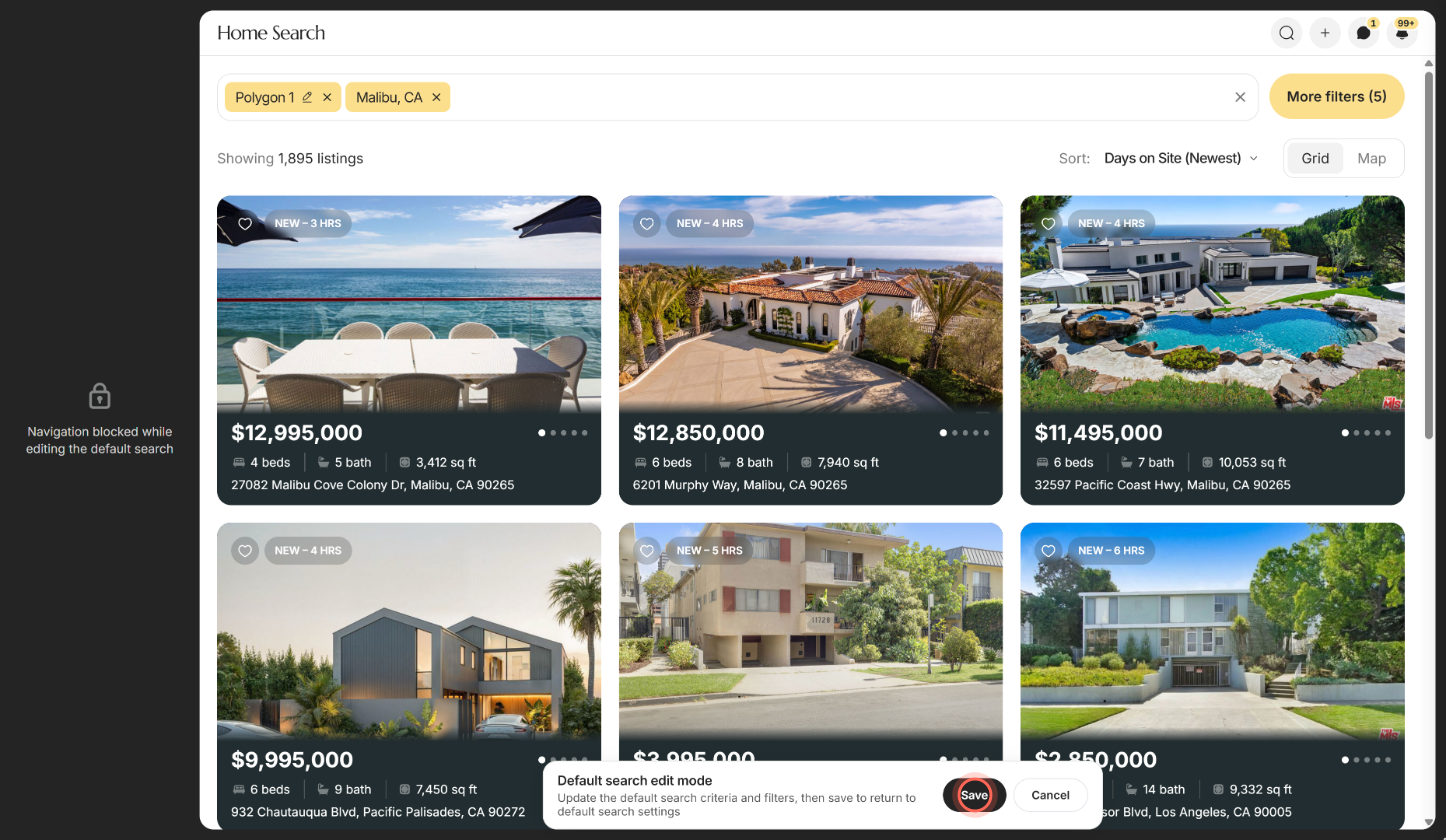
Search for a city, zip or neighborhood, or draw an area on the map.
Set the filters you want clients to start with.
Click Save in the Default search edit mode panel.
You return to Default Search Settings, and the summary shows the new Locations: and filters.
Read the current default
The summary on Default Search Settings shows what clients start with:
| Part | What it shows |
|---|---|
| Locations: | Each city, zip or neighborhood in the default |
| Map drawn boundaries | Shows when the default is an area drawn on the map |
| Filter sentence | The filters the default carries, such as status, price, beds and baths |
| No default search yet. | Nothing is set. Click Edit search to set it. |
Good to know
- Agents can set their own. An agent's own default search wins for that agent's clients. See Set your default search. Admins can't set it for another agent.
- New searches start here too. When agents create a template or a search for a client, the map opens on their own default, or on this one.
- A starting point, not a limit. Clients can still search anywhere. Their own searches and saved searches stay as they are.
- Area required. Saving with no area shows "Search area required." Search for a place or draw an area, then save again.
- Sidebar paused. While you edit, the sidebar is locked ("Navigation blocked while editing the default search"). Click Save or Cancel to leave.
FAQ
Can I give each agent a different starting area?
Not from the admin pages. Each agent sets their own default search in their Settings. Agents without one use the brokerage default.
Why do new searches and templates open on an empty map?
No default search is set yet, and the agent hasn't set their own. Set one here and new searches open on it.
Does changing the default change my clients' saved searches?
No. It only sets where Home Search starts. Saved searches and alerts stay as they are.
What's the difference between this and Default Search Filters?
This page sets the starting area and filters. Default Search Filters sets which filter controls agents and clients see, and in what order; see Choose the search filters clients see.
The page says "We couldn't load the default search." What now?
Check your connection and click Try again.
Still need help? Reach out to us at helpme@ruuster.com and we'd be happy to assist!