
Your agent's profile
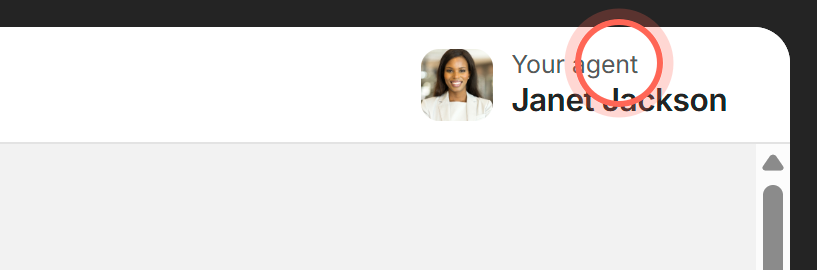
Click Your agent at the top of the app to see your agent's photo, bio, phone and email, and to share the app with a friend.
Your agent's profile is a card with their photo, phone number, email and a short bio. Open it from Your agent, the button with your agent's photo and name in the top right corner of every page, on a computer or a phone.
How it works
- In the top right corner, click Your agent.
- On the card, click the phone number to call or the email address to write.
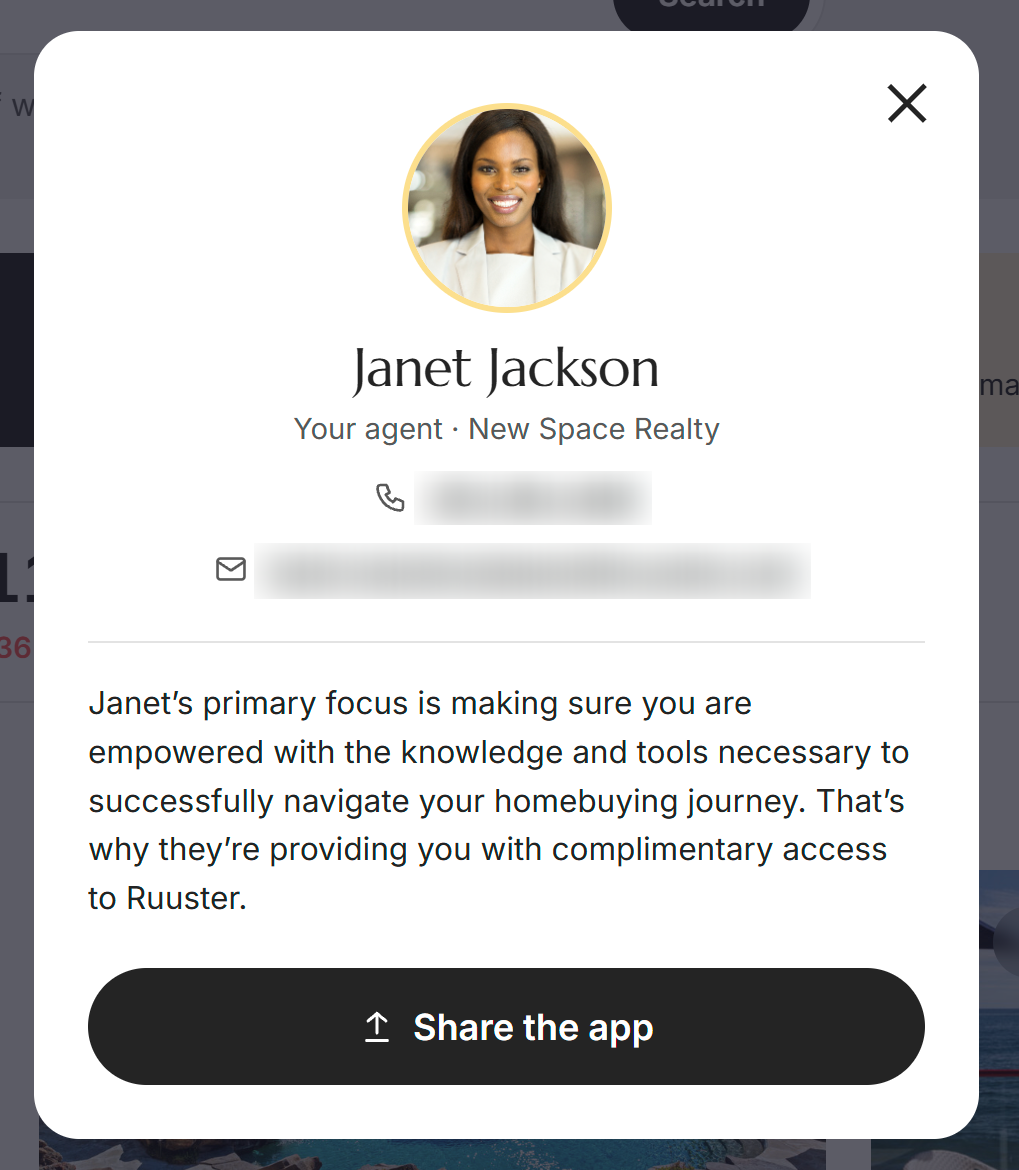
The phone number opens your phone's dialer (or your computer's calling app), and the email opens your mail app with your agent's address filled in. Click the X to close the card and go back to where you were.
| On the card | What it shows or does |
|---|---|
| Photo and name | Who your agent is. |
| Your agent · brokerage | The brokerage your agent works with. |
| Phone number | Click to call. Shows only if your agent has added one. |
| Click to email your agent. | |
| Bio | A few words from your agent's own page. Shows only if your agent has written one. |
| Share the app | Sends a friend a link to your agent's page, where they can create their own free account. |
When you click Share the app, phones and most browsers open your device's share menu. Otherwise the link is copied and you'll see "Link copied", ready to paste into a text or email.
When to use it
- To call or email. Use the card when you'd rather talk or write outside the app. For a quick written question, the chat bubble is faster: see Chat with your agent.
- To ask about a specific home. Use the contact button on that home's page instead, so the address goes with your question. See Ask your agent about a home.
- While you look at a home. On some homes, an Agent Information card on the home's page also shows your agent's email and phone number, with round buttons to email or call.
- To invite someone. Use Share the app for a friend or relative who is also looking for a home.
FAQ
How do I switch to a different agent on my account?
You can't change your agent in the app. Your agent is set by your brokerage, so contact your brokerage if you'd like to work with someone else.
Why don't I see a phone number on the card?
Your agent hasn't added one. Send them a message through the chat bubble instead.
What does my friend get when I share the app?
A link to your agent's page. They can sign up for their own free account there. Their account is separate from yours, so they don't see your saved homes or messages.
Where is my agent's profile on my phone?
In the same place: your agent's photo and name in the top right corner of the screen. Tap it to open the card.
Still need help? Reach out to us at helpme@ruuster.com and we'd be happy to assist!