
Favorite properties
Using Ruuster 1.0? Read the 1.0 version of this article.
Heart a home to save it to Favorites, then open Favorites under Home Search to review the homes you saved.
Click the heart on a property card in Home Search, or over the photos on a property page, to save that home. Open Favorites under Home Search in the sidebar to see every home you saved. Click the heart again to remove one.
Favorite a home from your search results
- In the sidebar, click Home Search.
- Click the heart at the top left of a property card.
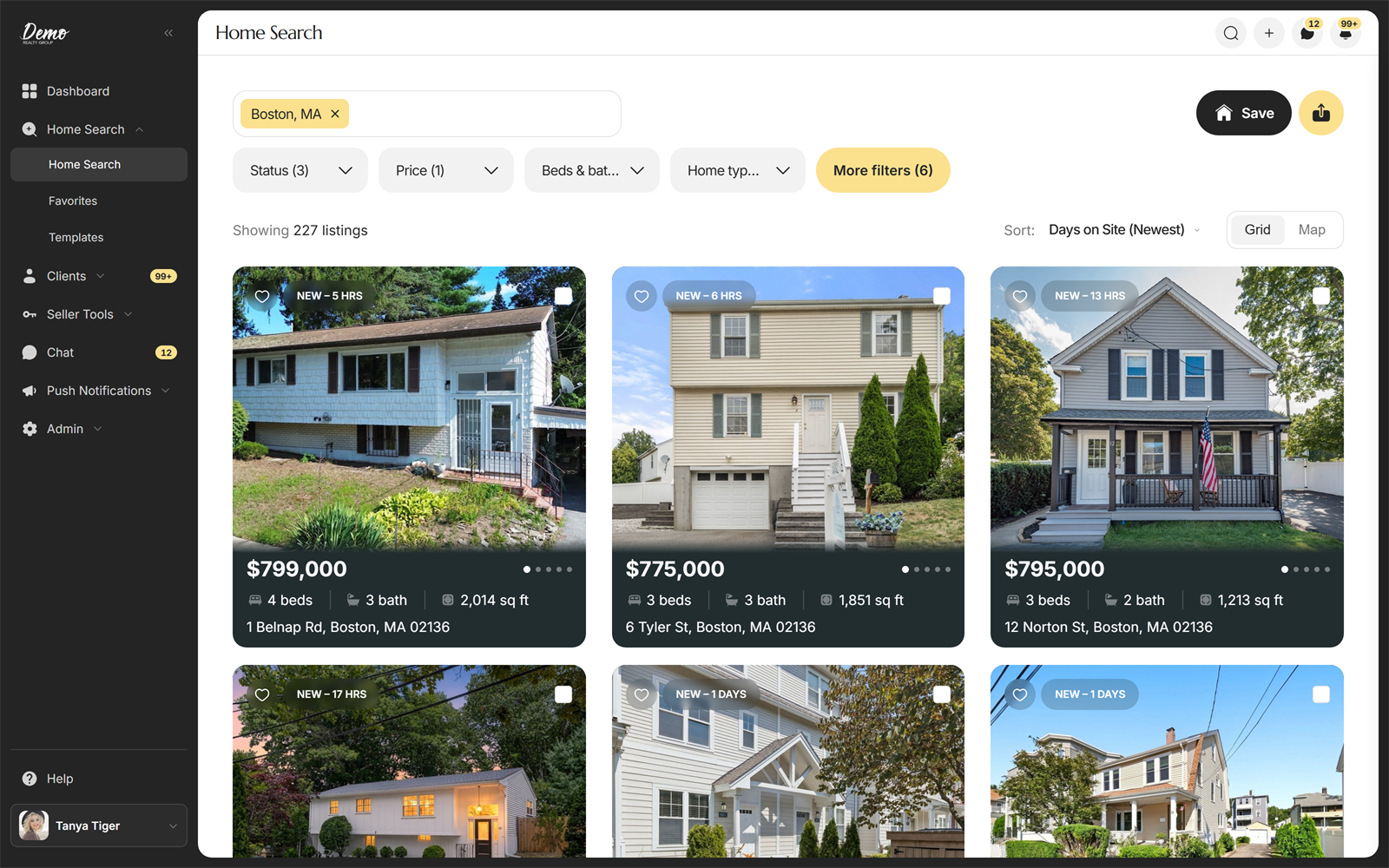
The heart fills in. On the Map view, that home's pin shows a heart too.
Favorite a home from its property page
- In Home Search, click a property card to open the home.
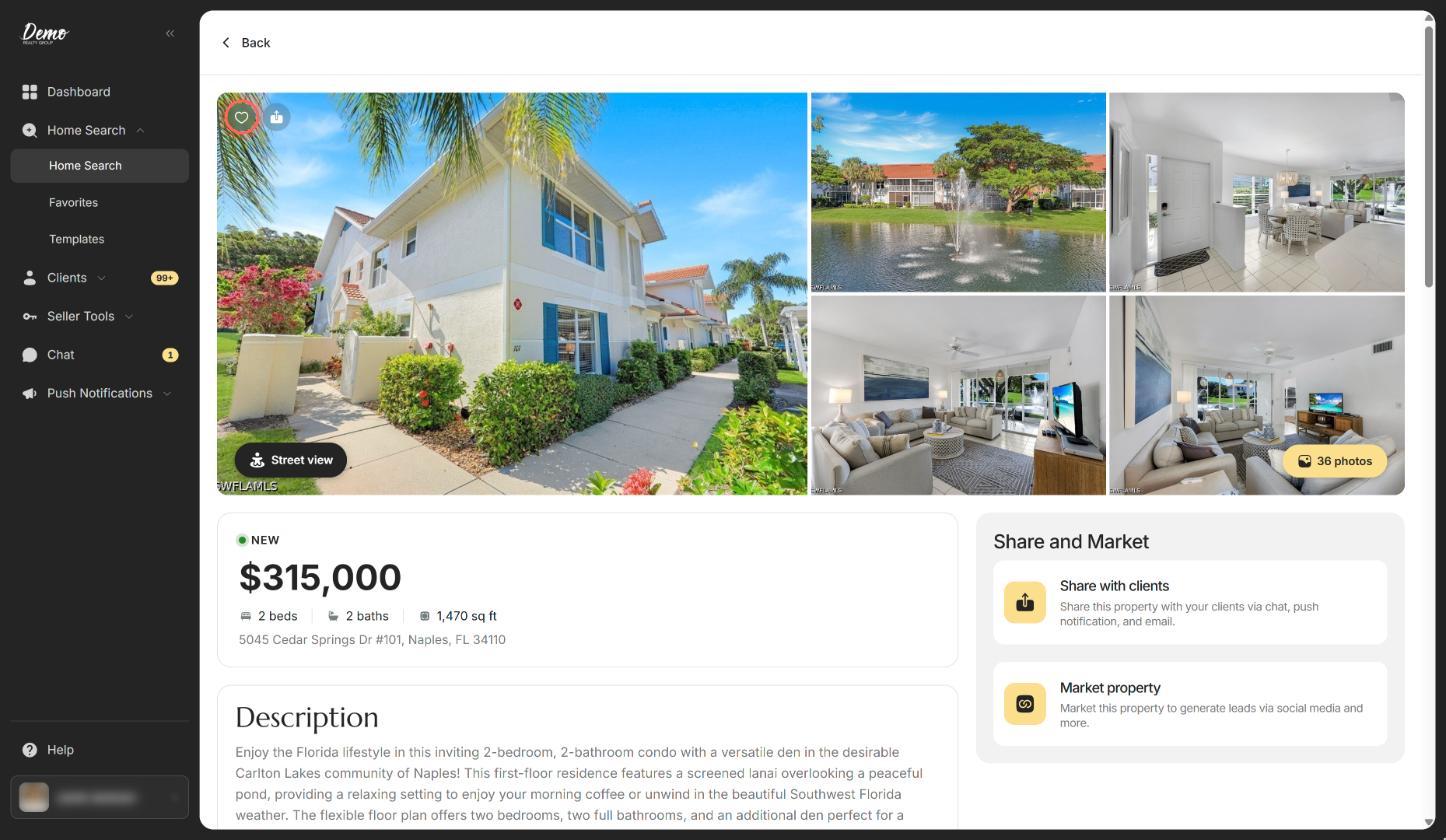
- Click the heart over the photos.
The heart fills in and the home is added to Favorites. For a tour of the rest of the page, see Find your way around a property page.
See your favorites
- In the sidebar, under Home Search, click Favorites.
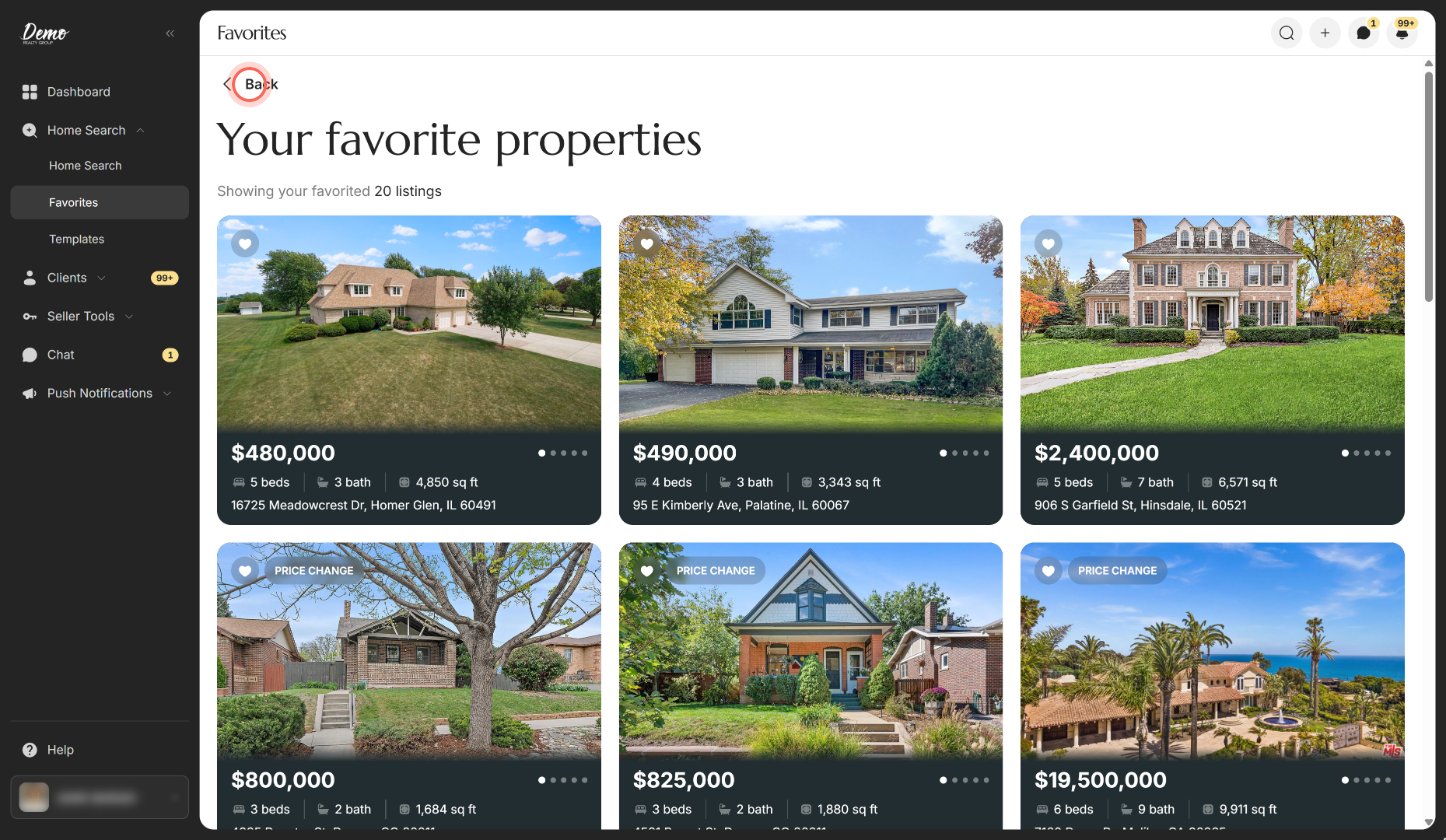
- Scroll down to load more homes.
- Click Back to return to your search.
The page is headed "Your favorite properties" and counts your homes, for example "Showing your favorited 12 listings". You can also click into the empty search box on Home Search and pick Your Saved Homes (12 Homes) under Your Favorite Properties.
Remove a home from your favorites
- In the sidebar, under Home Search, click Favorites.
- Click the filled heart on the home's card.
The heart empties and the home leaves your Favorites list. You can also click a filled heart anywhere in Home Search or on a property page.
Good to know
- Favorites is a plain list. It has no search box, filters, sort or map. Click Back to go back to your search.
- Apps with a Rental Search page. Some apps have a separate Rental Search page in the menu, in place of Favorites. There, open your favorites from the search box instead.
- If a heart doesn't change. You'll see "Could not update favorites. Please try again." Click the heart again.
- Your favorites are yours. Clients don't see the homes you heart, and the homes they heart don't land in your list.
FAQ
Can I see which homes my client favorited?
Yes. Open the client from All Clients and click the Favorited Properties tab. See Find your way around a client's page.
How do I unheart a home?
Click the filled heart on its card or property page. It empties and the home drops off Favorites.
How do I send one of my saved homes to a client?
Open the home from Favorites and click Share with clients. See Share a property with clients.
Can I search or filter inside my favorites?
No. Favorites lists all your saved homes without filters. To narrow them, run a search in Home Search and look for filled hearts (see Search for properties).
Still need help? Reach out to us at helpme@ruuster.com and we'd be happy to assist!