Ruuster Embedded Listings
Embed Ruuster listings on your website and customize display settings.
TL;DR
Let's Do It Together!
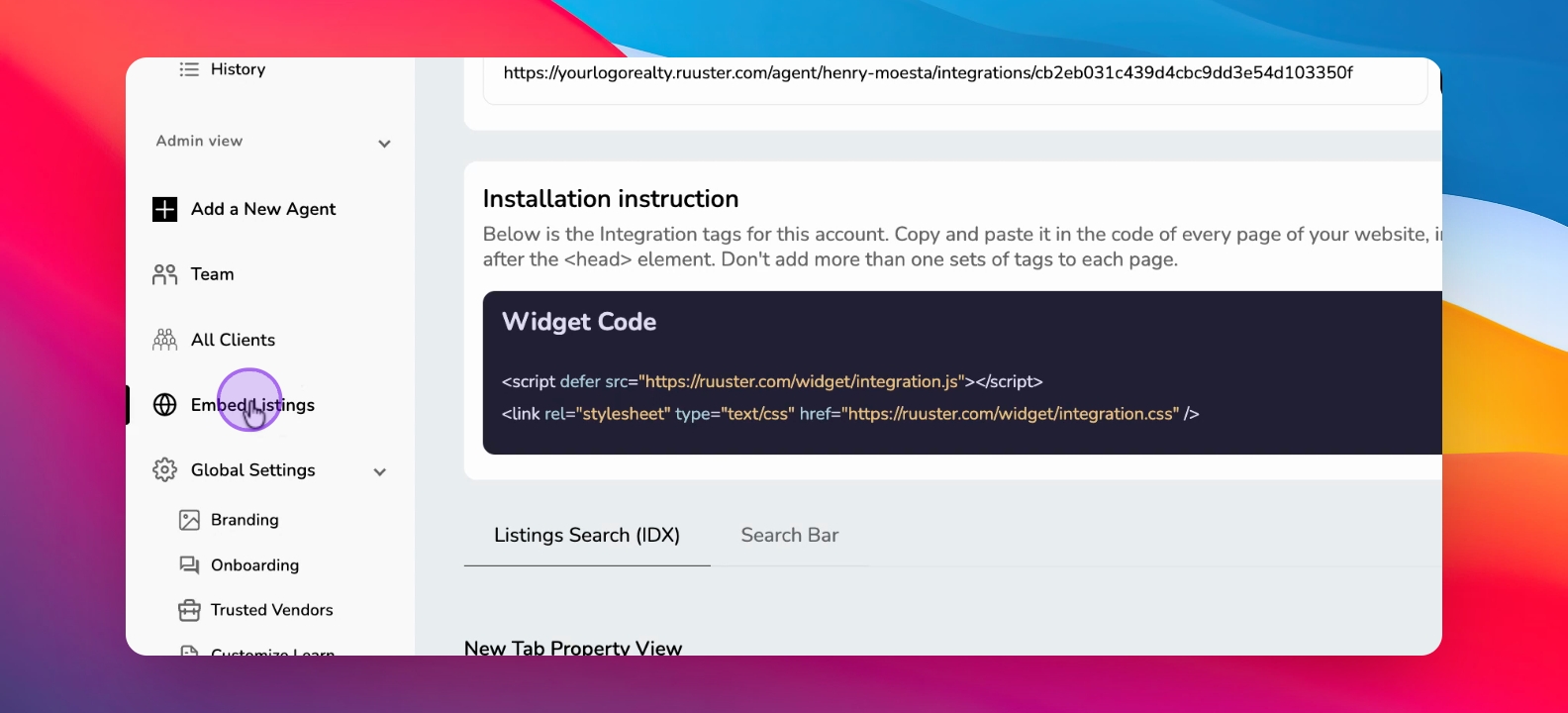
Step 1: Access Embed Listings
Navigate to the Embed Listings tab under the admin view.
Step 2: Share URL with Developer
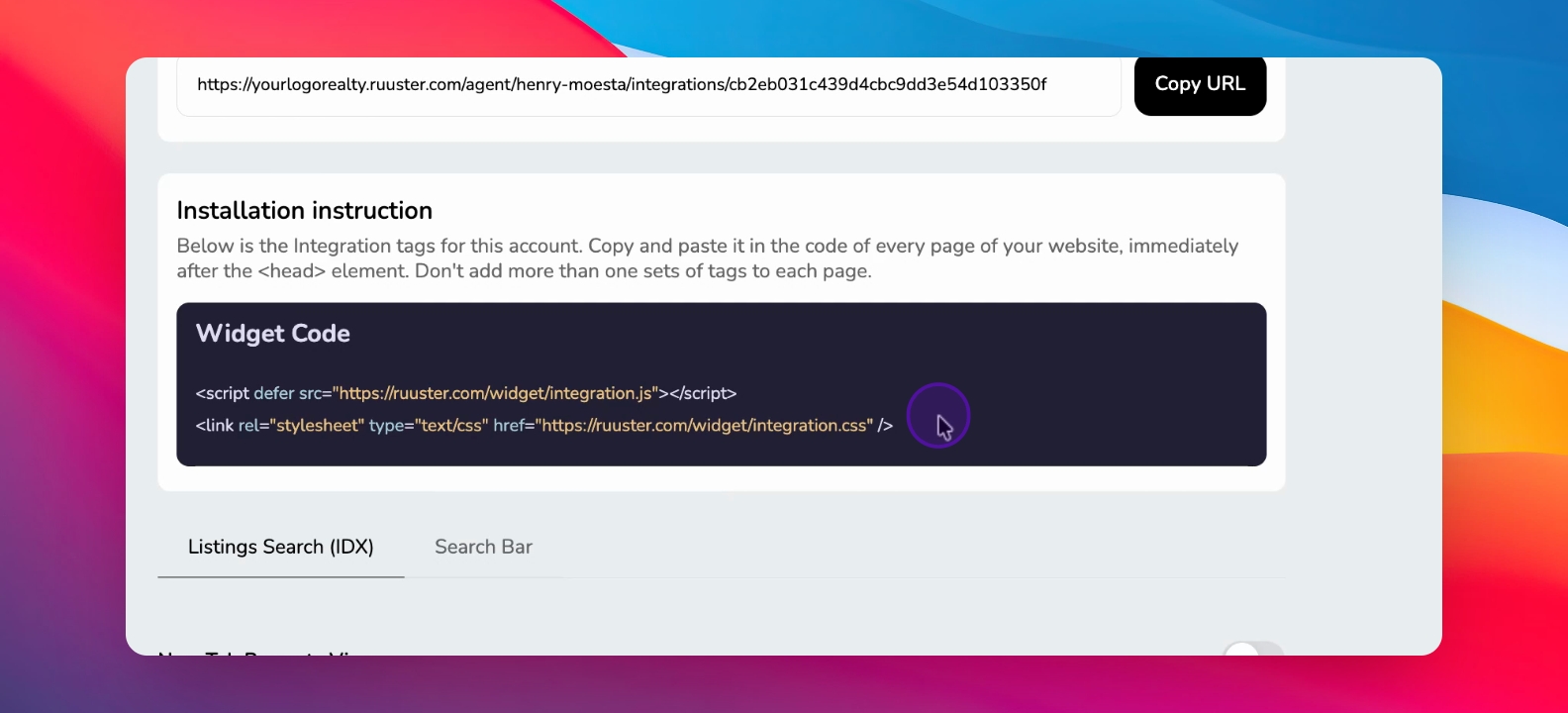
Copy the URL to share with your web developer for embedding listings.
Step 3: Embed Widget Code
Embed the widget code in the head element of your website.
This allows importing Ruuster listings to display on your site.
Step 4: Customize Listing Search
Go to the listing search to customize the view settings.
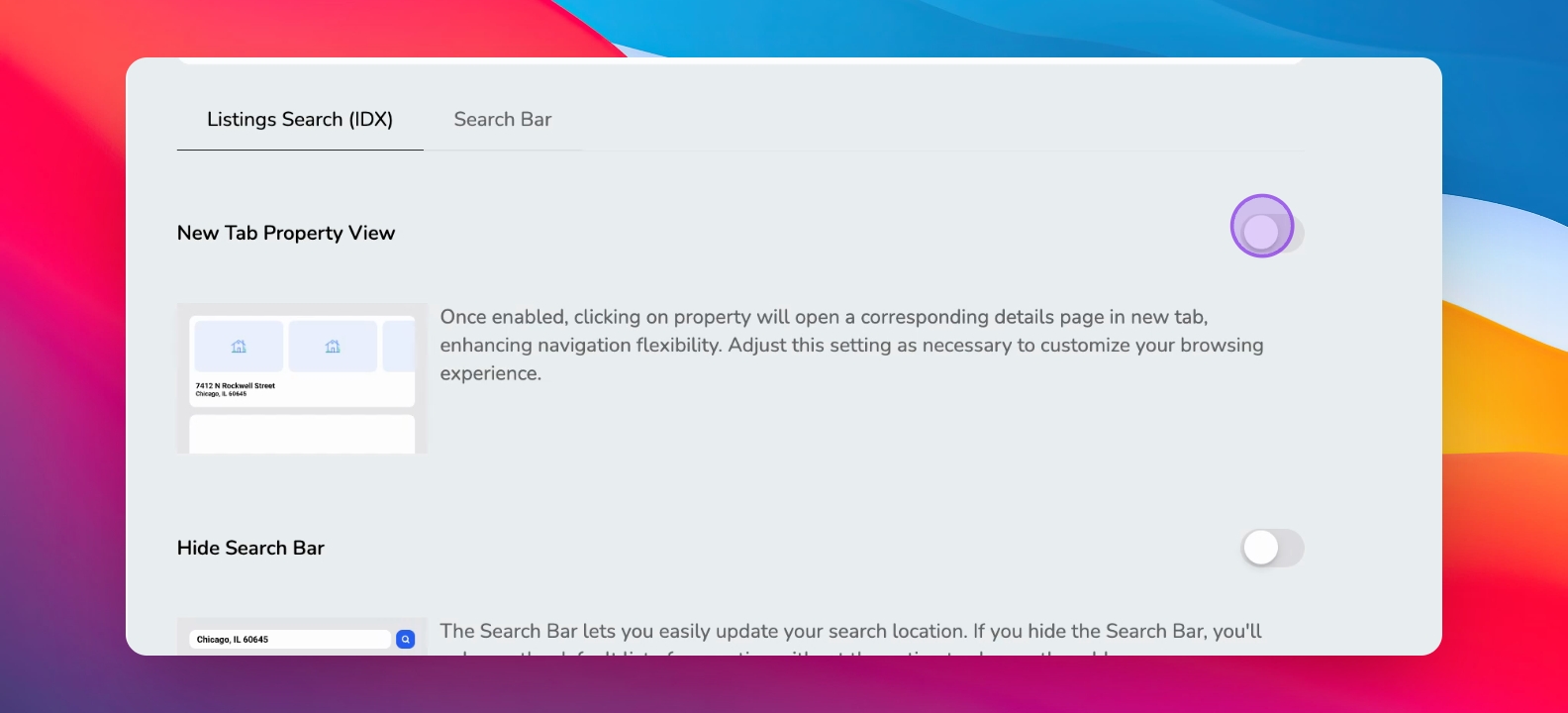
Step 5: Set Properties Tab Options
Choose if properties open in a new tab by toggling the setting.
Step 6: Configure Display Options
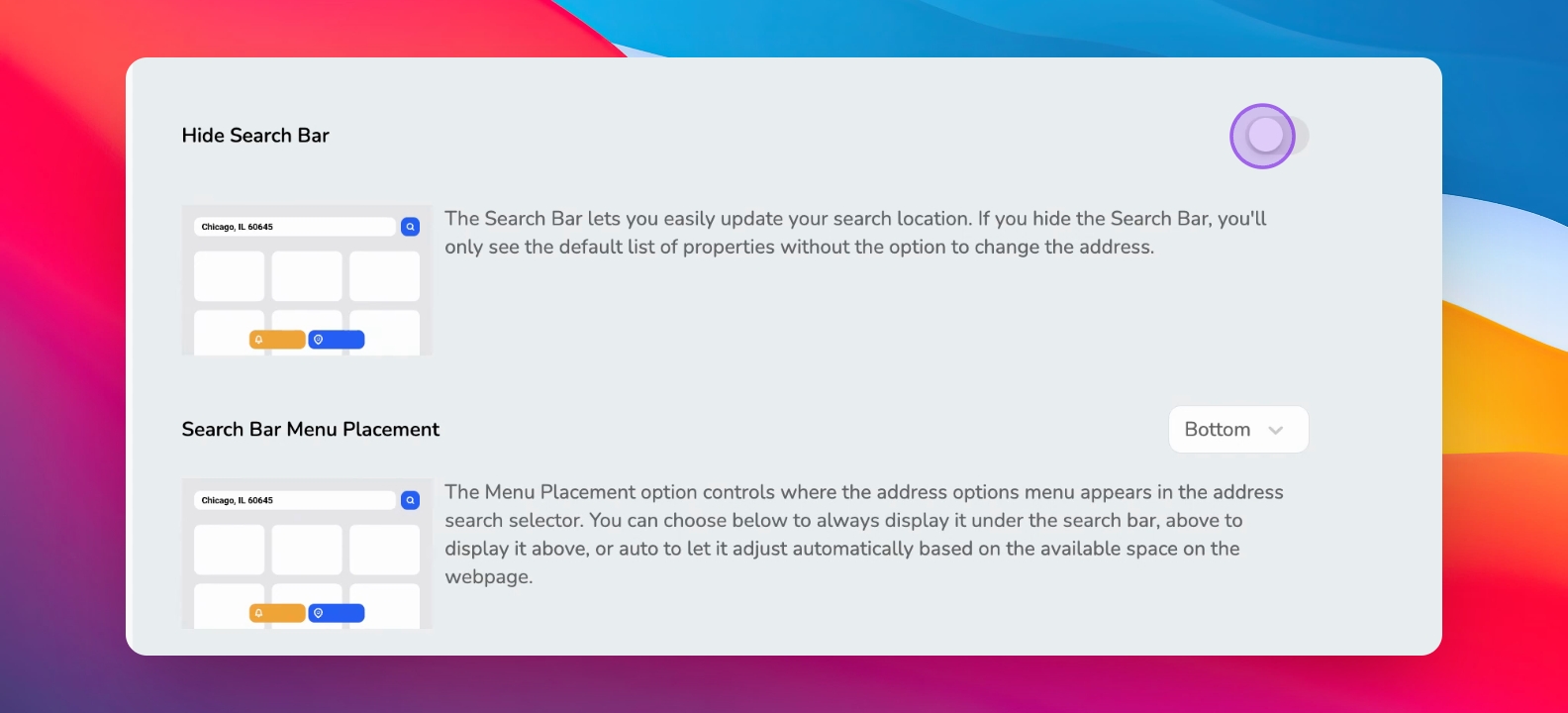
Toggle settings for the search bar, image visibility, and buttons.
Step 7: Adjust Iframe and Listings Limit
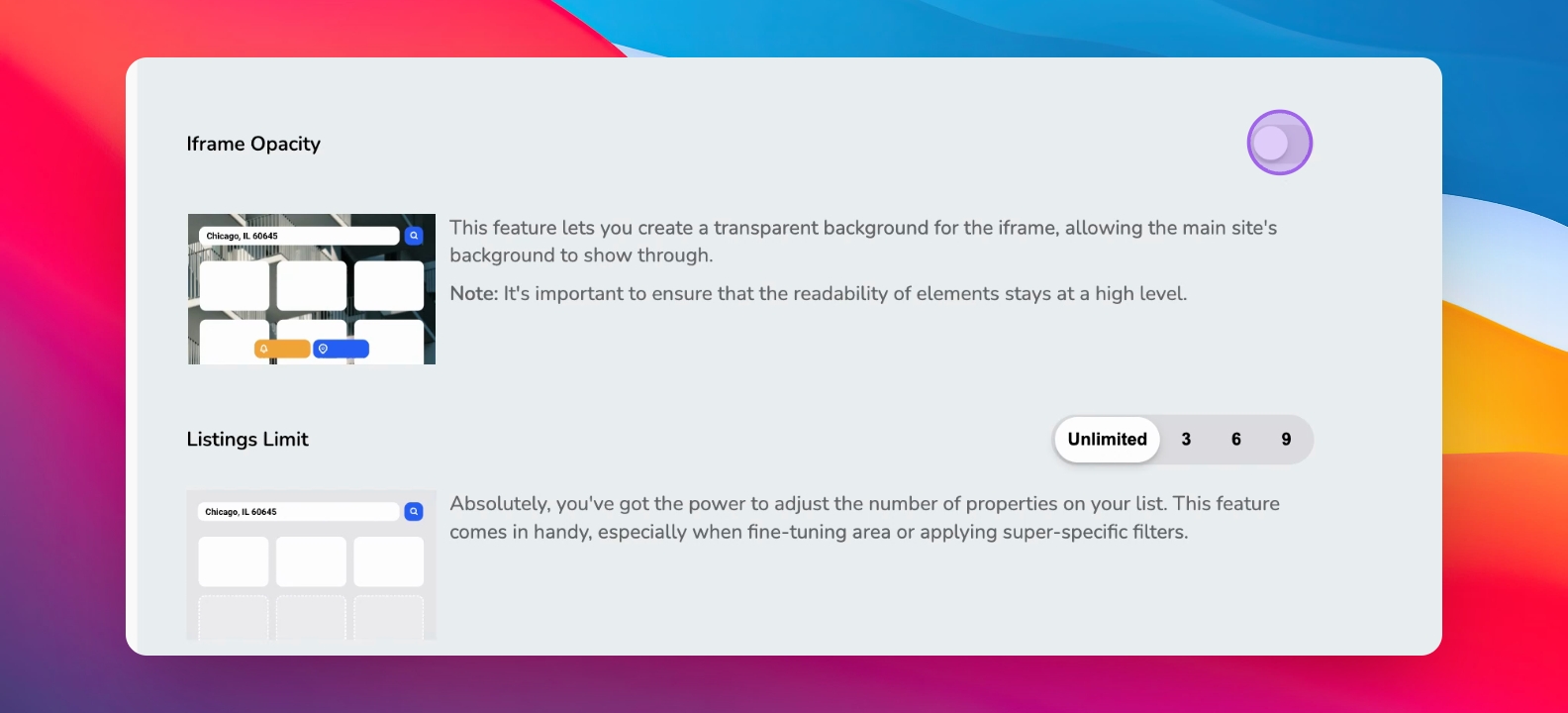
Set iframe opacity, listings limit, and how many listings appear per page.
Step 8: Force Registration
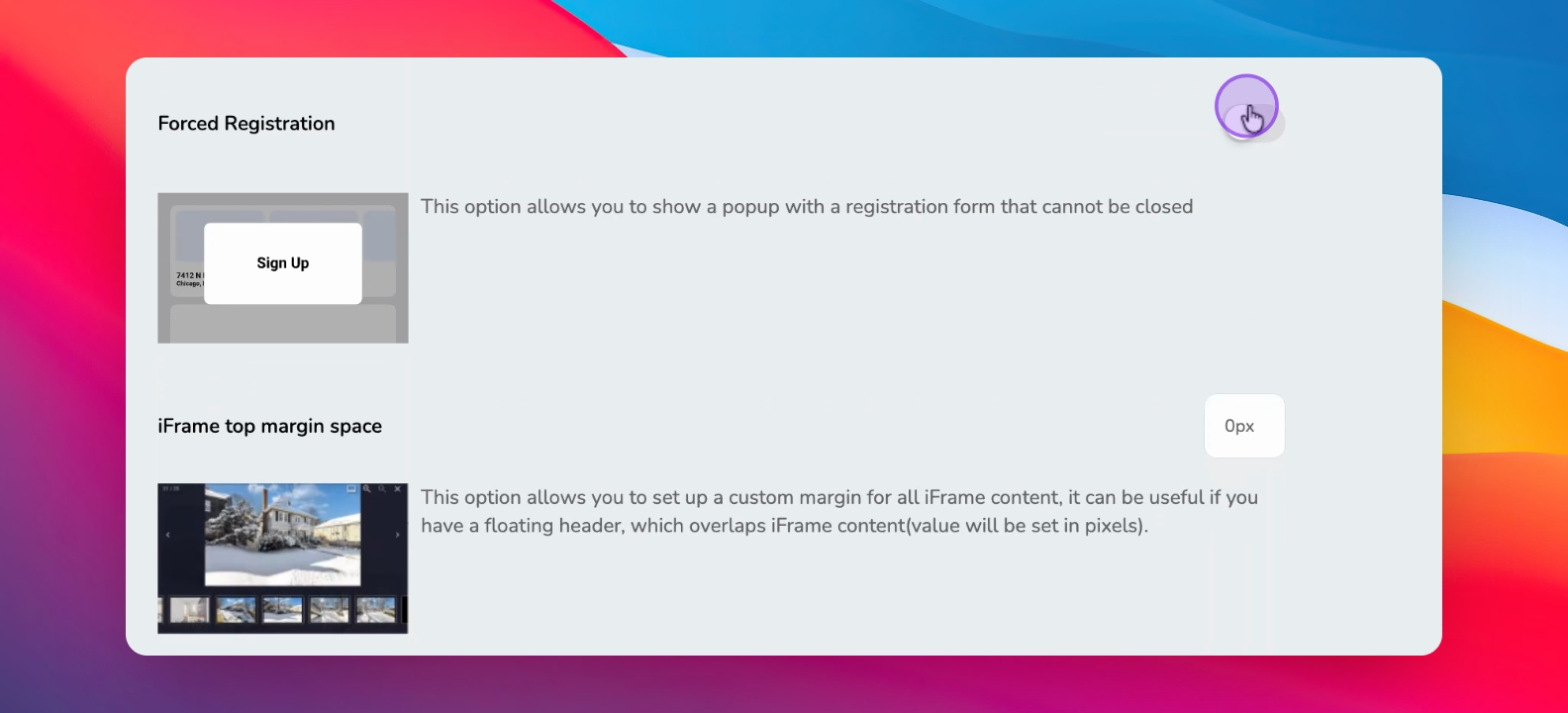
Enable force registration to collect user information before viewing properties.
Step 9: Customize Margin Spacing
Edit the margin spacing if required for advanced embedding.
Step 10: Select Agent for Listings
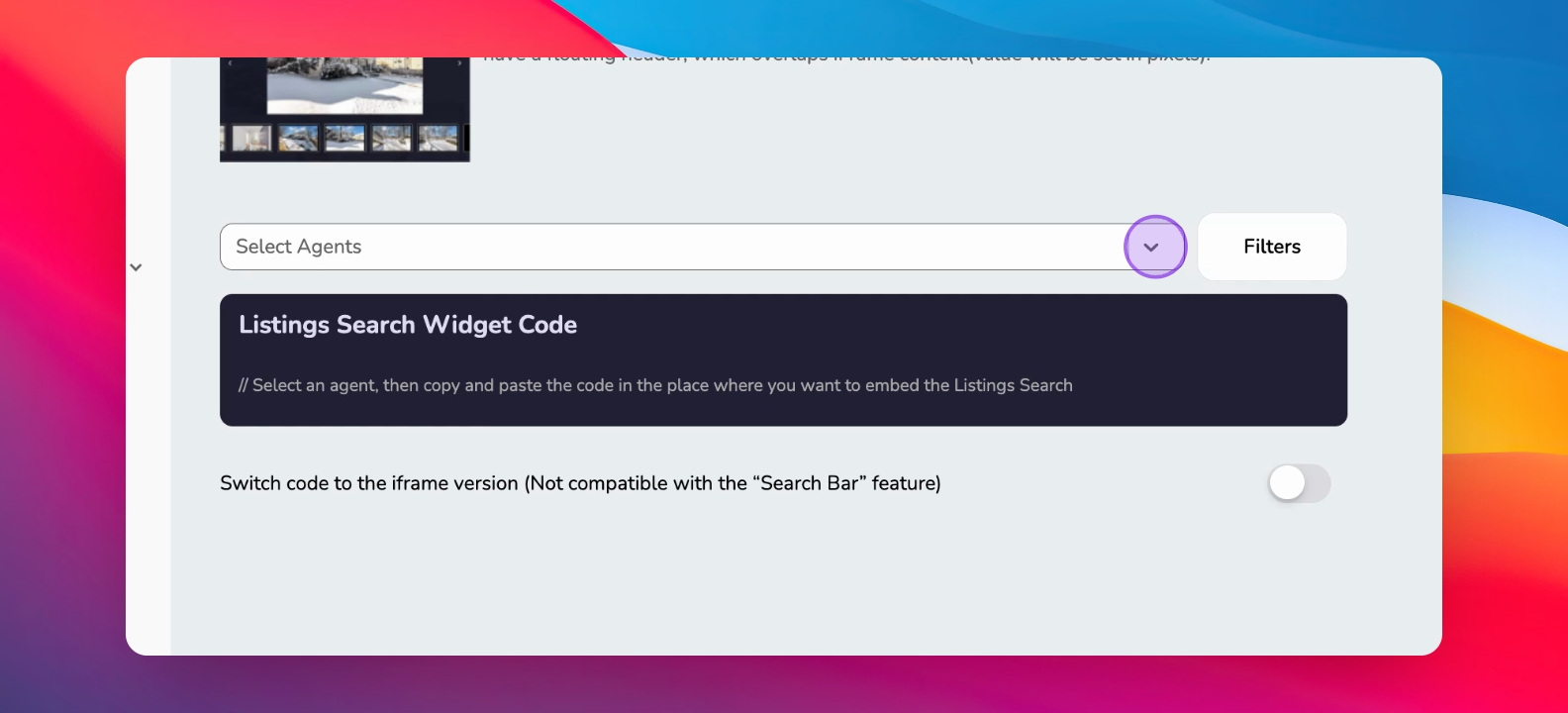
Choose the agent to associate with the listings on the page.
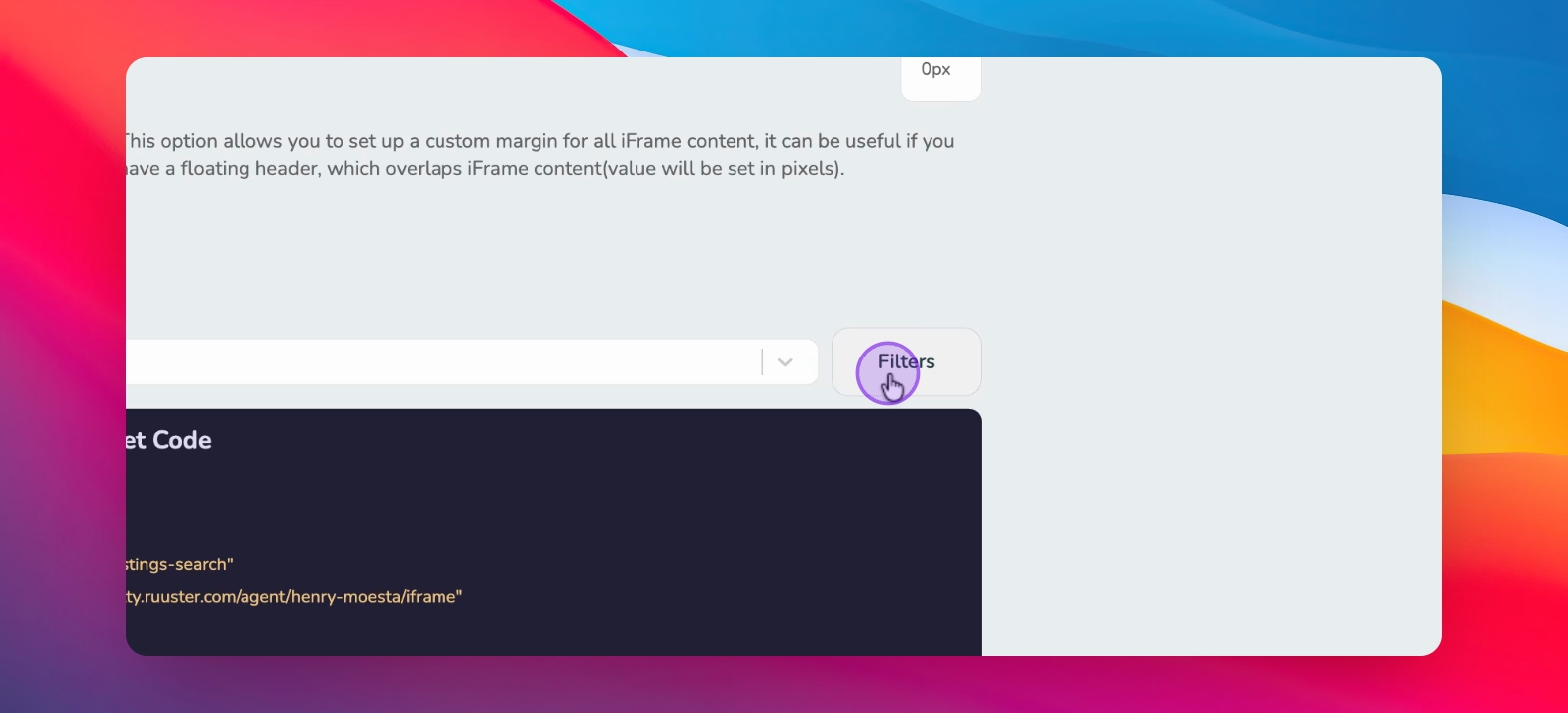
Step 11: Create Filters for Listings
Set filters such as location, price, and property features to refine listings.
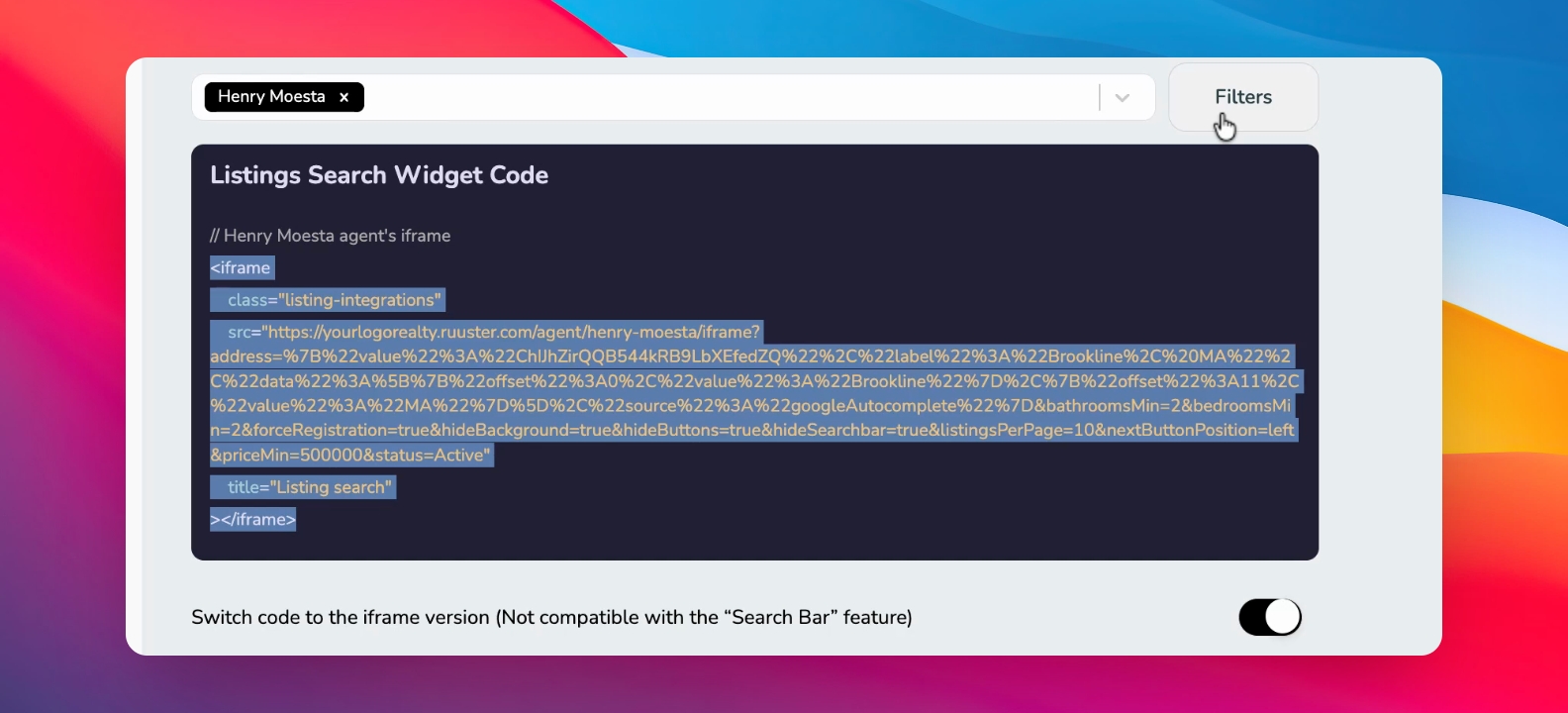
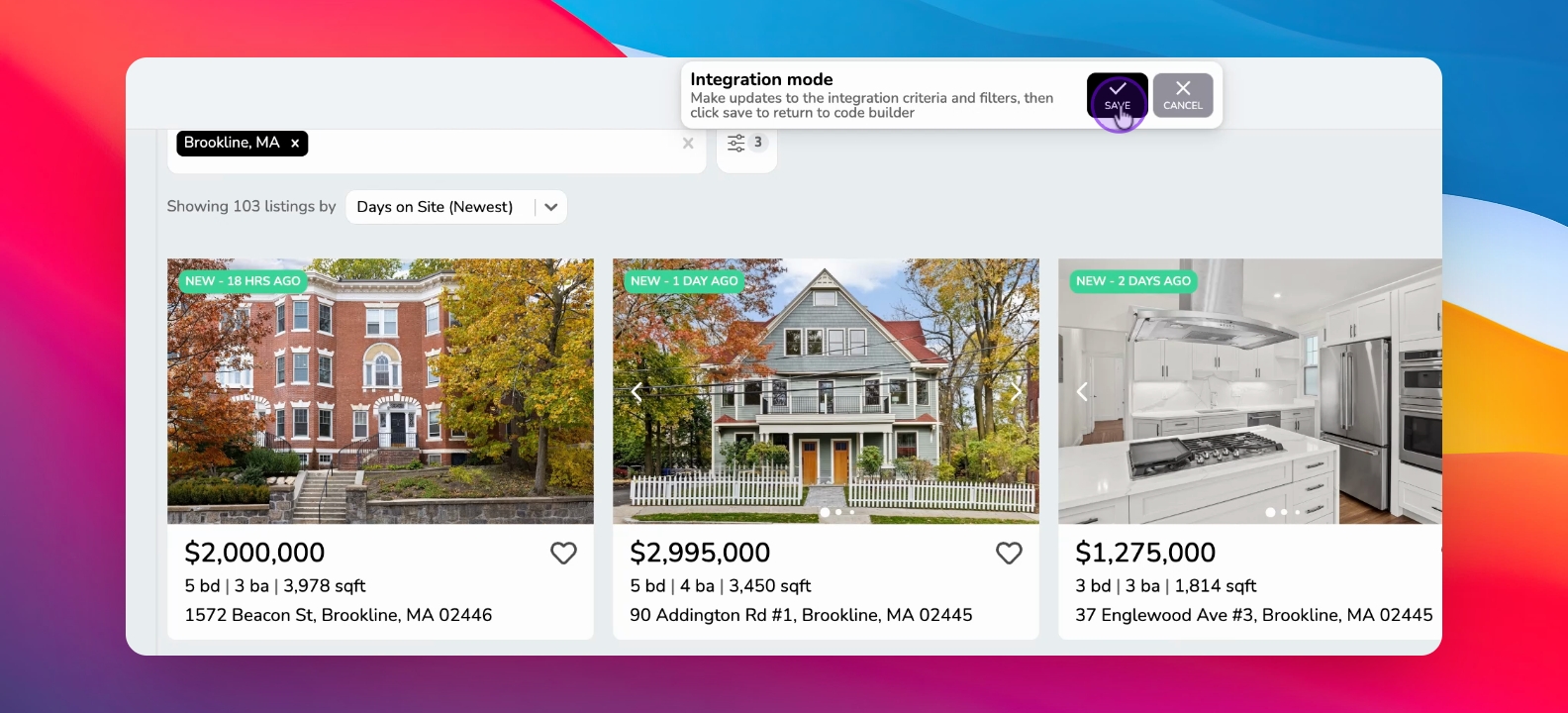
Step 12: Save Listings and Get Code
Hit save listing to generate the widget code for your website.
Copy the iframe version for faster loading on your site.
Step 13: Build Area Guides
Repeat the process for different neighborhoods to create comprehensive guides.
Export the code to finalize your setup.