
Learn about home buying
Using Ruuster 1.0? Read the 1.0 version of this article.
Read short guides from your brokerage for each stage of buying a home in Education, from planning to closing.
Open Education in the sidebar to read short guides your brokerage publishes for each stage of buying a home. Click a stage, such as Planning or Offer, then click Read article on a guide.
Read a guide
- In the sidebar, click Education. On a phone, tap Menu first.
- Click a stage: Planning, Search, Offer or Closing.
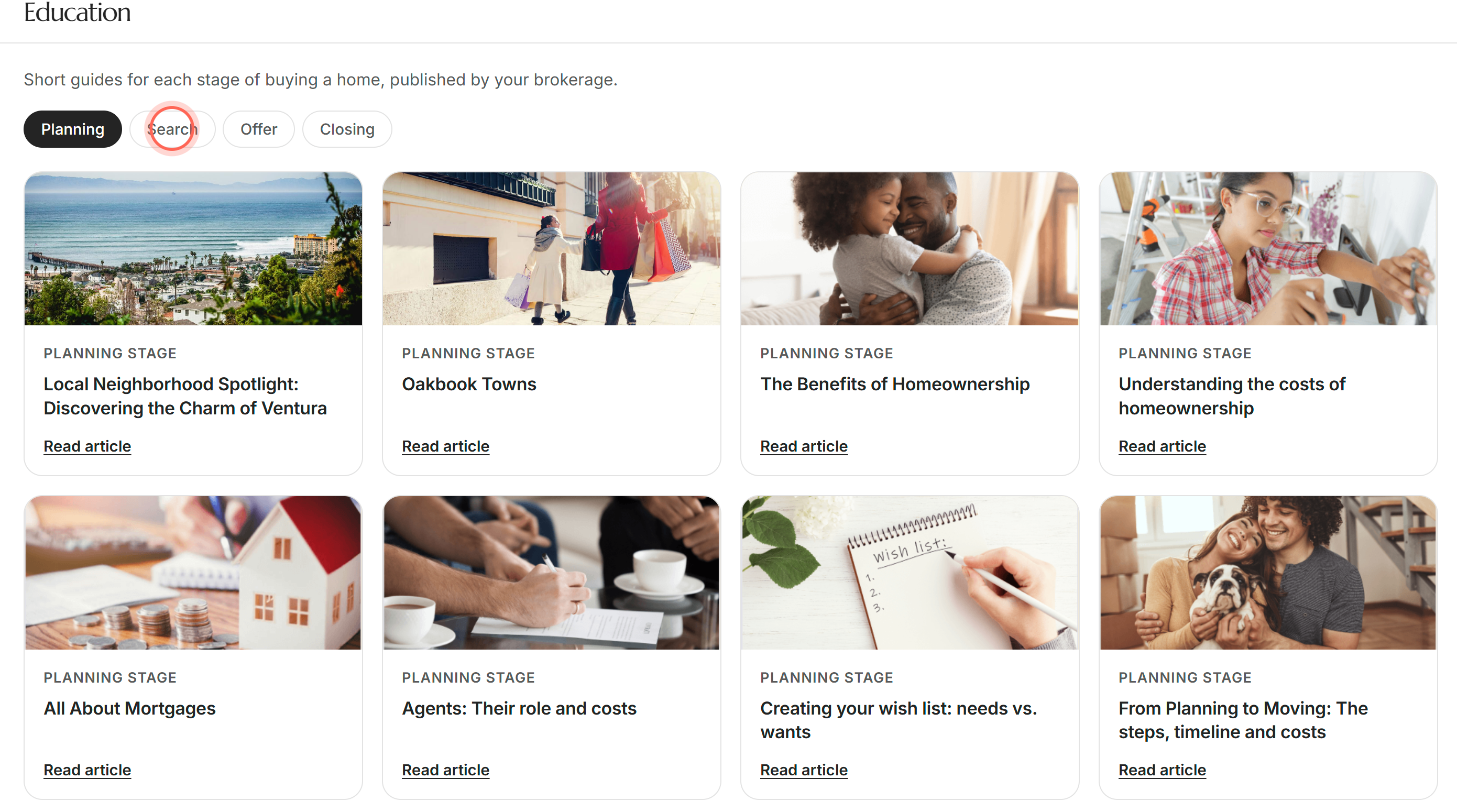
- On a guide's card, click Read article.
- At the bottom of the guide, click Next to keep reading, or Previous to go back one.
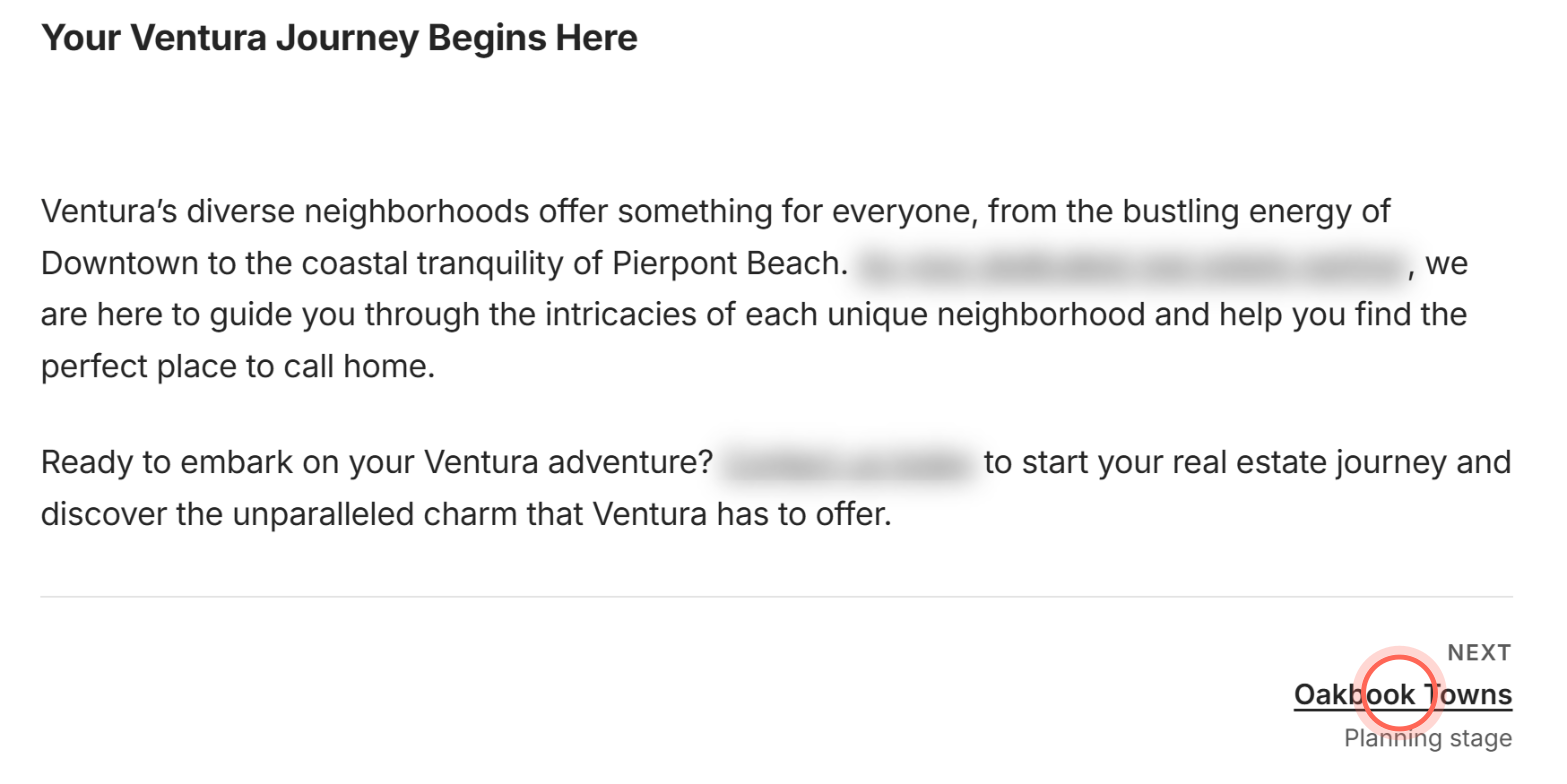
The guide opens inside the app. The links at the top, Education and the stage name, take you back to the list.
Previous and Next don't stop at the end of a stage. From the last guide in a stage, Next opens the first guide of the next stage, and each link shows which stage it leads to.
What the stages cover
| Stage | What it's about |
|---|---|
| Planning | Getting ready to buy, like your budget and financing. Education opens here. |
| Search | Looking for and touring homes. |
| Offer | Making an offer on a home you like. |
| Closing | The last step, when the paperwork is signed and the home becomes yours. |
Each card shows its stage, such as "Offer stage", so you always know where a guide fits.
Good to know
- Chosen by your brokerage. Your brokerage picks and publishes these guides, so your library may differ from another buyer's.
- Empty stage. "Nothing in the Offer stage yet" means no guides there for now. Click Clear stage filter to go back to Planning.
- Old links. "This article is no longer here" means the guide was unpublished or the link is out of date. Click Back to Education.
- If guides don't load. You see "The articles did not load." Click Try again.
- Sharing a guide. A guide you open from Education needs you signed in, so if you copy its address and share it, the reader is asked to sign in. Some links inside guides open a public page that works without signing in.
FAQ
Can I see all the education articles at once?
No. Guides are grouped by stage. Click each stage in turn, or use Next at the bottom of a guide to read on, from one stage into the next.
Who writes these guides?
Your brokerage publishes them in your agent's app.
Is there another place to find these?
Yes. Your dashboard has a Blog section with a few guides for your stage. Click See all there to open Education.
Do I need to read them in order?
No. Start with whatever stage you're in. Previous and Next are there if you'd like to read straight through.
Still need help? Reach out to us at helpme@ruuster.com and we'd be happy to assist!