
Review push notification history
Review every push notification sent from your account or brokerage, search by title or client, and filter by sender.
Click Push Notifications in the sidebar, then History, to see every push notification you've sent. Each row shows the Alert, Image, who it went To, the Sender and when it was Sent. Click the eye icon on a row to see the notification in full.
Before you start
- Agents see the notifications they sent. Admins and owners see every notification sent in the brokerage.
Find a notification
- In the sidebar, click Push Notifications, then History.
- Type a word from the title or message, or a client's name, in Search by title, message or client.
- Click the Sent column header to switch between newest and oldest first.
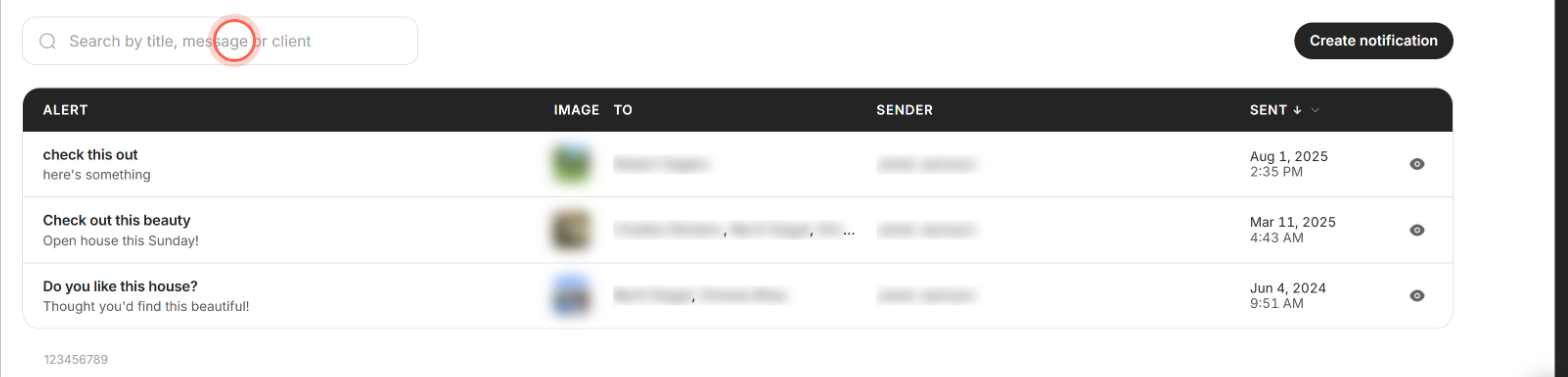
The table updates as you type. The Sent column's menu also offers Newest first and Oldest first. For admins and owners the field reads Search by title, message, client, or sender.
Filter by sender
Admins and owners only.
- On History, click the arrow beside Sender.
- Tick the people whose notifications you want to see.
- Click outside the menu to close it.
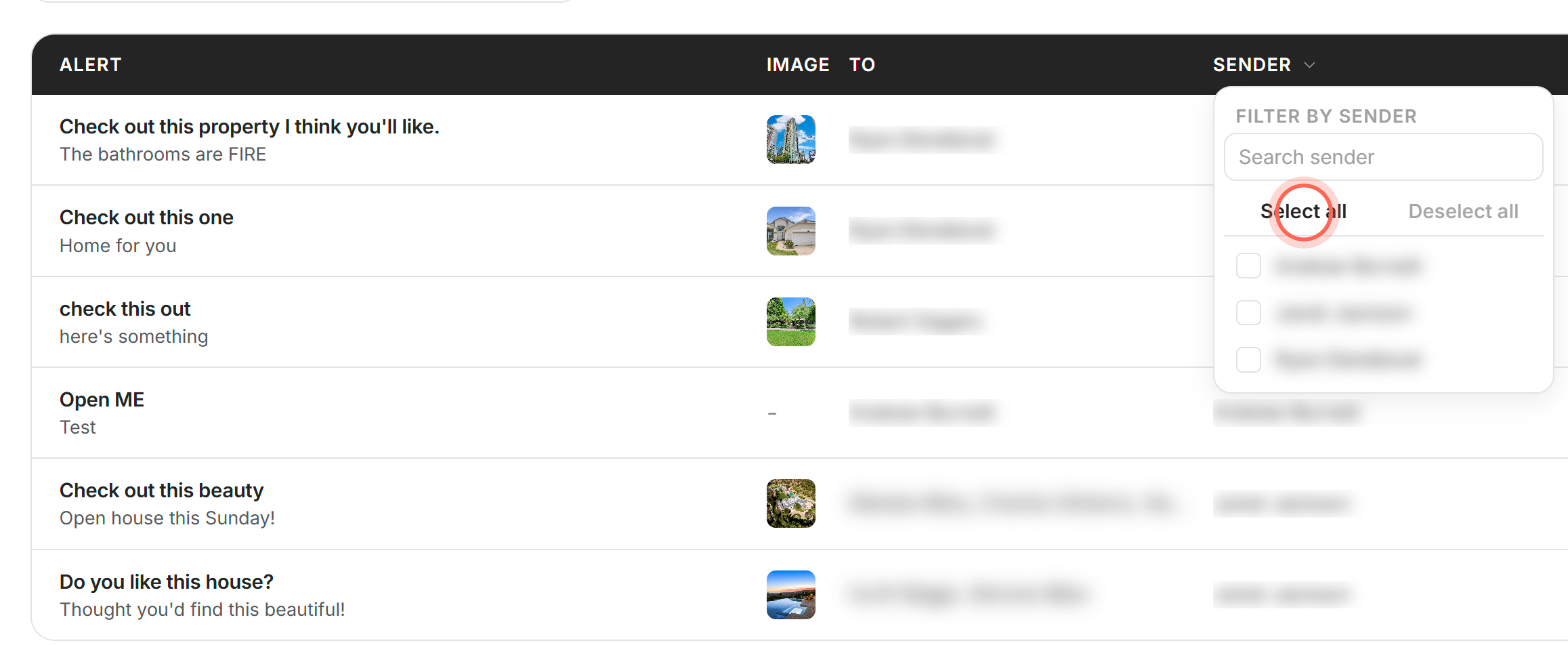
The table shows only those senders' notifications. Select all and Deselect all sit at the top of the list, and Search sender helps when the list is long.
See a notification in full
- On History, find the notification's row.
- Click the eye icon (View notification) on that row.
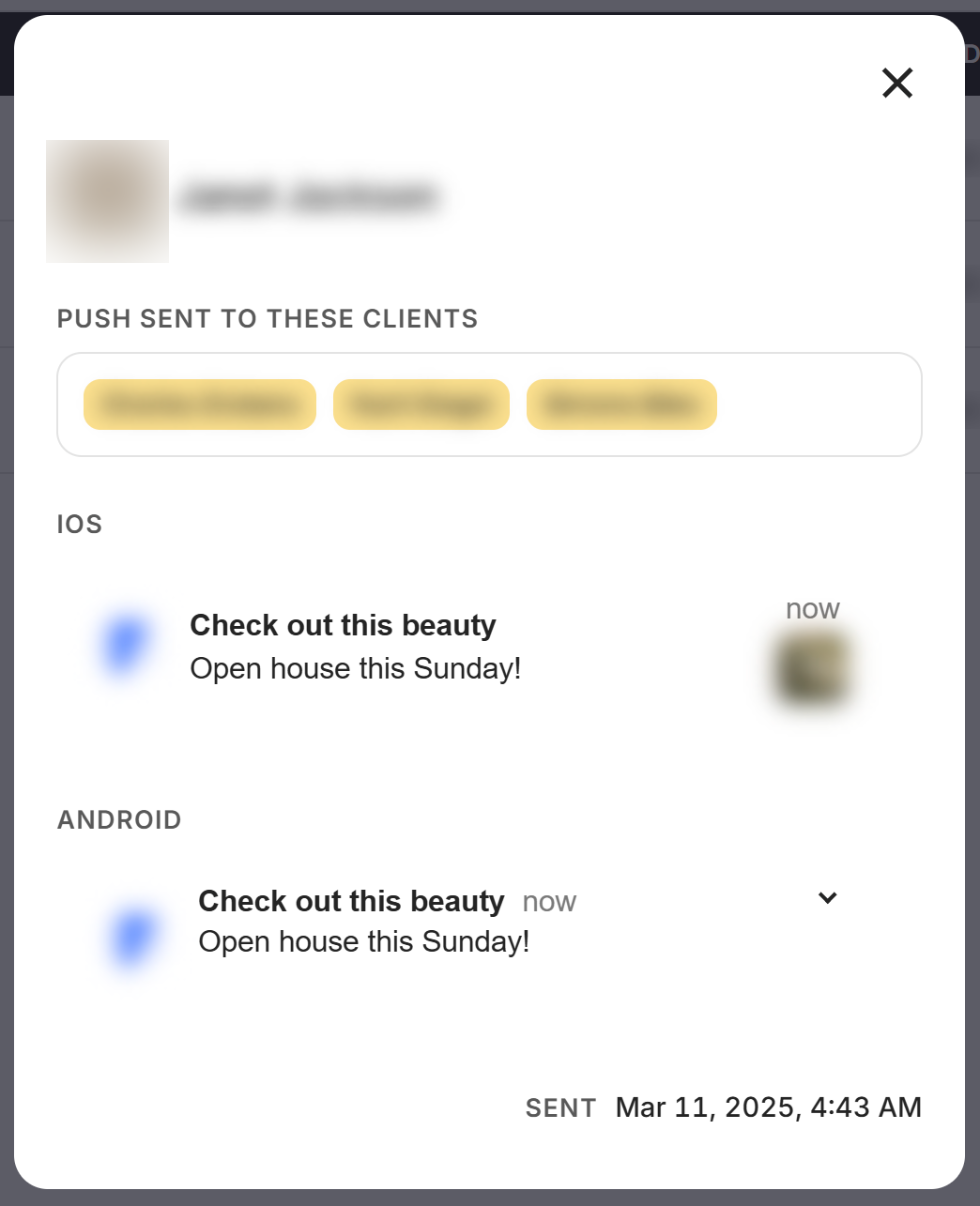
A window shows who sent it, the clients under Push sent to these clients, IOS and Android previews, and the Sent date and time. Close it with the X.
Good to know
- Your 10 most recent. History shows 10 notifications at a time. To find an older one, search for it, or switch Sent to Oldest first.
- Start a new one here. Create notification beside the search opens the push form.
- Opens aren't tracked. History records what was sent, to whom and when. It doesn't show who opened it.
- Nothing found? "No notifications match your search." offers Clear search, and "No notifications match your filters." offers Clear filters.
- Nothing sent yet. A new account shows "No notifications sent yet." If the table can't load, click Try again.
FAQ
Can I resend a notification from History?
There's no resend button. Open it with the eye icon to copy the wording, then click Create notification and send it again. See Send a push notification.
Why can't I see a notification another agent sent?
Agents see only their own. Admins and owners see the whole brokerage and can filter by sender.
Does History show whether my client opened the notification?
No. It shows what was sent and when, not opens or taps.
Can I search by the client it went to?
Yes. Type the client's name in the search field.
Still need help? Reach out to us at helpme@ruuster.com and we'd be happy to assist!